
PAO PAO save game: Cloud and Demo Transfers
What the PAO PAO Steam page and developer patch notes say about save games: Steam Cloud, demo-to-full saves, and what is not documented yet.
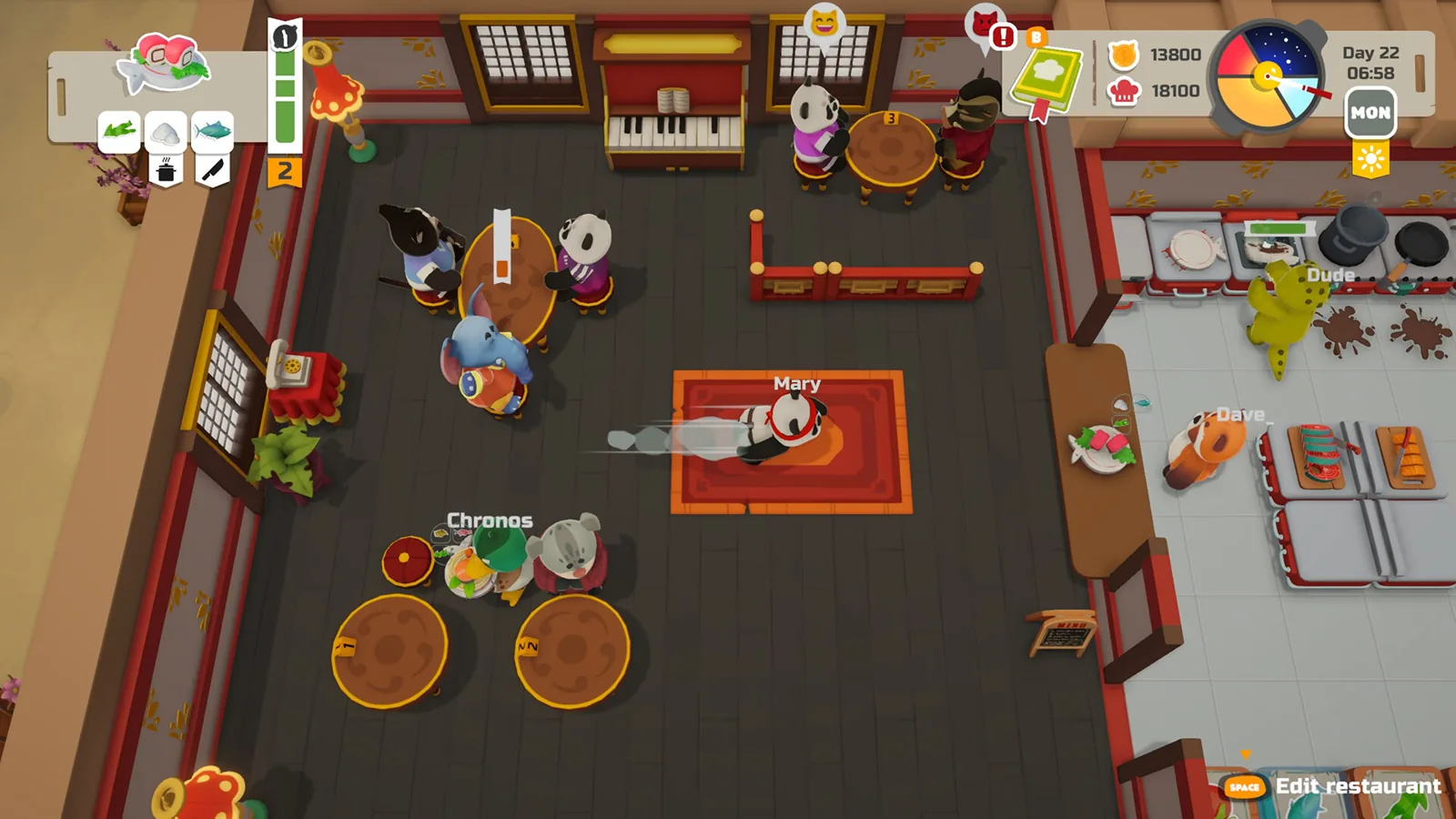
Table of Contents
PAO PAO enters Early Access on October 26, 2026, so on 2026-10-19 most players are working with the demo rather than the release build. That shapes the save-game answer: there is no published save-file location and no documented save menu to walk through, but two save-related facts are stated plainly. The developer's demo patch note says demo saves can be carried into the full version, and the official PAO PAO Steam page lists Steam Cloud among the game's features.
What is confirmed about saving
Two things in writing, both from the game's own pages:
- Demo saves can move to the full game. The PAO PAO DEMO patchnote published on Steam on 2026-09-18 lists it under a "SAVES" heading: demo saves can now be transferred to the full version of the game, so demo progress does not have to be restarted.
- Steam Cloud is a listed feature. The official PAO PAO Steam page includes Steam Cloud in its feature list, alongside single-player, online co-op, achievements, full controller support and Family Sharing.
That is the documented floor. Anything beyond it — a specific save slot count, a manual save button, a save folder path — is not described on those pages.

Carrying demo progress into the full game
The 2026-09-18 demo patch note confirms the transfer exists, but it does not describe where the option appears, what triggers it, or whether it happens automatically on first launch of the full build. If you see a step-by-step menu path elsewhere, treat it as unverified until the developer documents it or the release build is out and players can confirm it.
Practical reading of the announcement: finish what you care about in the demo, keep the demo installed until the full version is in your library, and expect the transfer to be handled around the point where the full game first reads your existing progress. Because the mechanism is undocumented, the safe habit is to leave the demo installed rather than uninstalling it as soon as Early Access unlocks.
Steam Cloud and save files
Steam Cloud being listed means cloud syncing is an intended feature of the Steam version, not that every save question is answered. As of 2026-10-19, the official Steam page does not publish a save-file location, and the developer's patch notes do not give one either.
If you are troubleshooting a save that seems not to persist, general Steam practice is worth trying, though none of this is documented as a PAO PAO feature:
- Check the game's cloud sync status in your Steam library before and after playing, especially if you switch between machines.
- Avoid playing the same save on two devices at once, since conflicting cloud copies are a common cause of lost progress in cloud-enabled games.
- If you plan to test patches, copy your save folder first — once you know where it is. PAO PAO's location is not published, so this is a habit to apply when it becomes known rather than a documented path.
Co-op and save-adjacent fixes
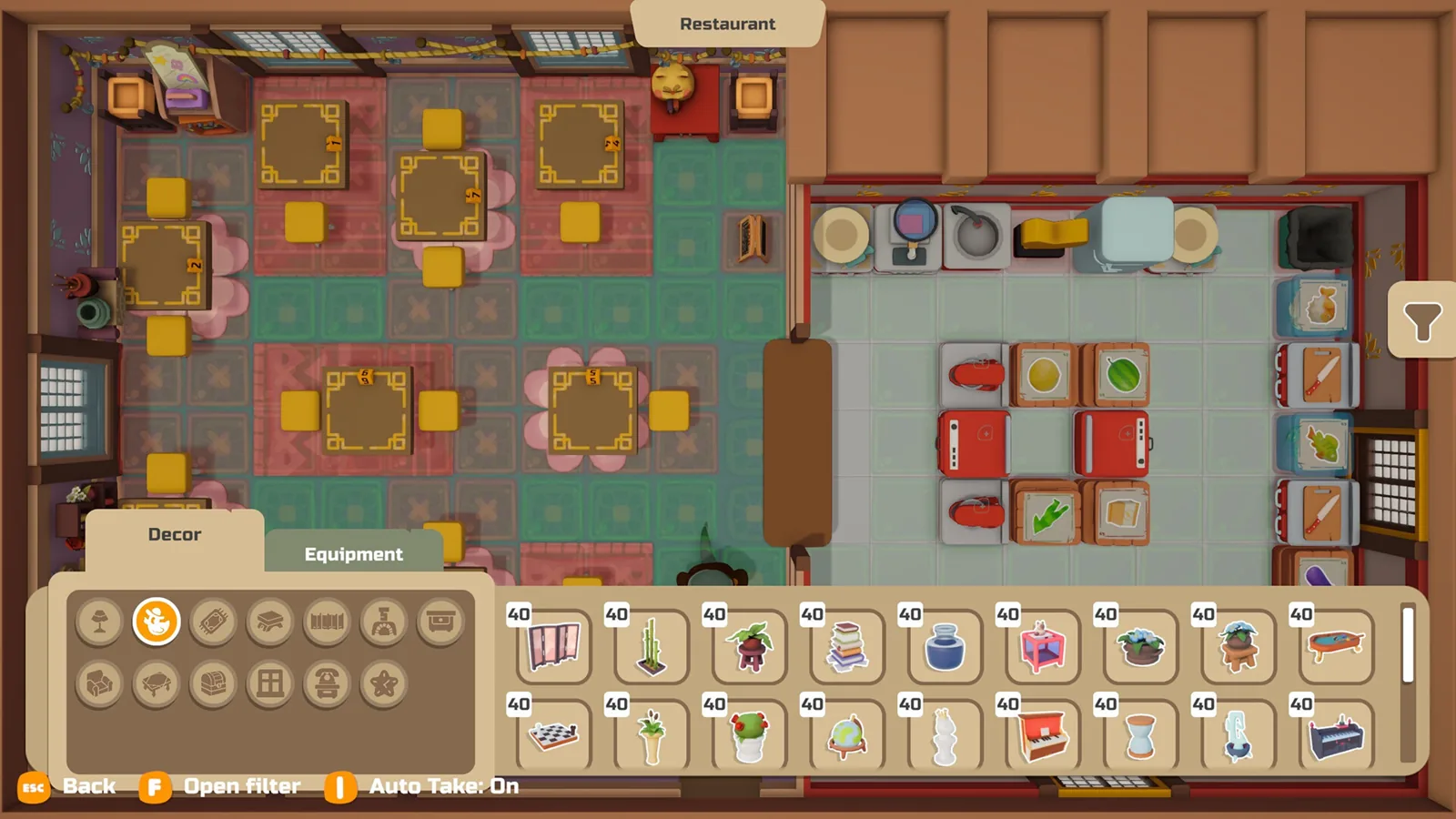
The second patch, announced on Steam on 2026-10-01, is the best evidence of what has been unstable around persistence. It lists fixes for item duplication on garden beds, treasure chests and dirt piles; money desyncs caused by poor connections; items disappearing when a player leaves during editing; and problems with saving home decorations. Those are multiplayer and persistence bugs being actively worked on, which fits a game still in development.
The patch notes do not explain how a co-op session's world is stored or whose copy persists. If you play with friends and care about progress, keeping one regular host is a sensible habit, but it is not a documented rule.
Reporting a save problem
ArtDock's bug reporting post on the PAO PAO Steam Community hub asks players to include a clear description of the bug, the steps that reproduce it, a screenshot or video if available, and optional system information such as OS and GPU. For a save issue, that framing is the useful one: what you did just before the progress vanished, whether it was solo or co-op, and whether the game had just been patched.
Next steps
- If your main worry is keeping demo progress, see PAO PAO demo save transfer for the demo-to-release angle in more detail.
- If progress problems appear while playing with friends, PAO PAO multiplayer connection issues covers the network side that the patch notes tie to money and item desyncs.
- If you plan to play on a handheld, PAO PAO Steam Deck is the relevant page; the Steam page lists Steam Deck compatibility as unknown as of 2026-10-19.
FAQ
Where are PAO PAO save files stored?
Not published. As of 2026-10-19, the official PAO PAO Steam page lists Steam Cloud but gives no save-file location, and the developer's patch notes do not include one.
Can I transfer my PAO PAO demo save to the full game?
Yes — the PAO PAO DEMO patchnote on Steam, dated 2026-09-18, states that demo saves can be transferred to the full version so players do not have to start over. The note does not describe the exact in-game steps.
Does PAO PAO save game progress work in co-op?
The material does not spell out how a co-op world is stored. The 2026-10-01 patch does list multiplayer fixes for money desyncs, item duplication and items disappearing when a player leaves during editing, so co-op persistence has been an active area of fixes.
Are there known save-related bugs?
The second patch, announced on Steam on 2026-10-01, lists fixes for saving home decorations and for items disappearing when a player leaves during editing. If a save problem persists after updating, ArtDock's bug reporting post on the Steam Community hub asks for reproduction steps and a screenshot or video.
Related Articles
Continue Reading
Demo Save Transfer: What Carries Over
ArtDock's September 2026 demo patchnote says PAO PAO demo saves move to the full game. What that covers, what it leaves open, and what to do before October 26.
Controller Support: What Works on Steam
As of 2026-10-19, PAO PAO's Steam page lists full controller support and recommends a gamepad, with Xbox and PlayStation controllers named.
Multiplayer Connection Issues: What Helps
What PAO PAO's co-op connection problems look like, which session and desync bugs the patches addressed, and what to check when joining fails.
steam deck compatibility status
PAO PAO's Steam Deck rating reads Unknown as of October 2026. What the store page, demo patch notes and controller support actually say.
Demo Guide: Saves, Co-op and Contents
What the free PAO PAO demo includes, how demo saves carry into Early Access, co-op limits, and what to try when a friend cannot join.
Cooking Guide: Demo Kitchen Basics
A practical PAO PAO cooking guide for the demo: set up your kitchen, prep orders, restock ingredients, and keep service moving.