
PAO PAO Beginner Guide: What to Do First
Start PAO PAO with the demo, learn the restaurant-and-farming loop, and set up co-op before the October 26, 2026 Early Access launch.
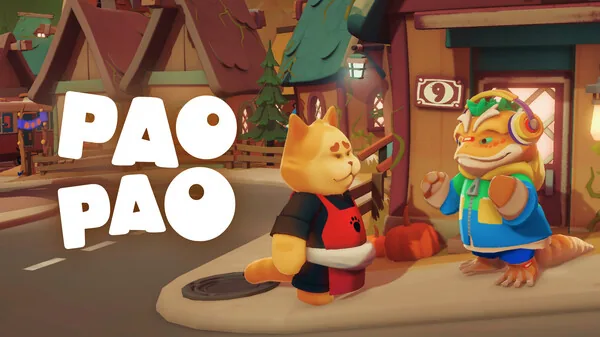
Table of Contents
The short answer for a new player: play the demo first, treat the restaurant as your home base, and let the tutorial hints carry you through the first days rather than trying to learn everything at once. PAO PAO is a cozy life sim about running a small seaside restaurant while fishing, farming, gathering and decorating around it, and it is built to be played slowly, solo or with friends.
Play the demo before you buy
PAO PAO's pre-release demo opened on 2026-09-14, and the developer's Steam announcement of that date framed it as one of the final big steps before release. The demo covers the same broad activities as the full game: exploring the town, cooking, fishing and trying the various side activities.
Two practical points make the demo worth your first evening:
- The developer's demo patch notes state that demo saves can be transferred to the full version, so early progress does not have to be thrown away at launch.
- The demo received its own balance and tutorial pass in September 2026, so what you play now is closer to the shipping experience than the first playtest builds.
If you would rather watch before playing, a no-commentary full demo playthrough is available on YouTube. It is a straight gameplay recording with no spoken explanation, so it shows the flow of a session rather than teaching mechanics.
What the first days actually look like
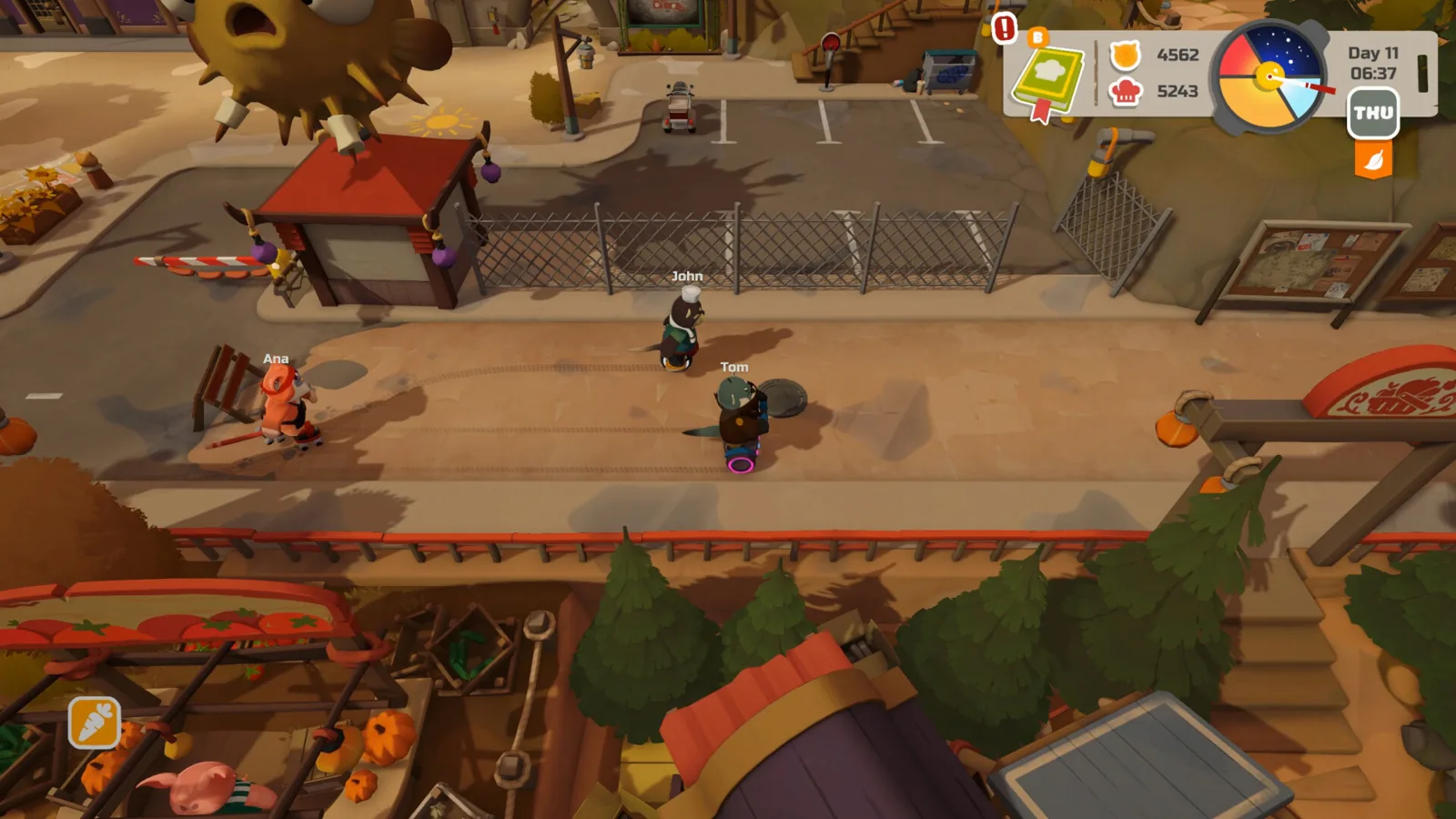
According to the developer's own description on the official Steam page, the game is structured around a few interlocking loops rather than a single questline:
- The restaurant. You install kitchen equipment, put a menu together, and serve guests. Orders scale from a few simple requests up to a full dining room, so the kitchen is where most of your money and pressure come from early on.
- The surrounding world. Crops, fishing from the shore or a boat, forest gathering, town wandering and the arcade fill the time between service shifts.
- Your home. Houses, restaurant and garden are all decoratable, and the developer stresses that you can change your layout at any time — so a first attempt at decorating is not a commitment.
The environment shifts with weather, seasons and a full day-night cycle, which is the reason the game rewards a slow pace: there is no single correct order to do things in.
Cooking, tools and hints
The developer's patch notes give a fair picture of where new players usually stumble. The October 2026 patch explicitly says tutorial steps and hints were improved, and it added new hints for ingredient boxes and sauce dispensers, improved garden bed interactions, and added fishing hints with better fishing spot detection. In practice: if an ingredient, a dispenser or a fishing spot is not responding the way you expect, the in-game hint system is the first place to look, and the game has been actively tuned to make those prompts clearer.
The same notes describe a tool wheel with category icons and quick tool switching on a short press, so tools are organised by type rather than being a long flat list. The notes do not spell out which key or button does what, and control bindings are best checked in the game's own settings rather than assumed.
Playing with friends
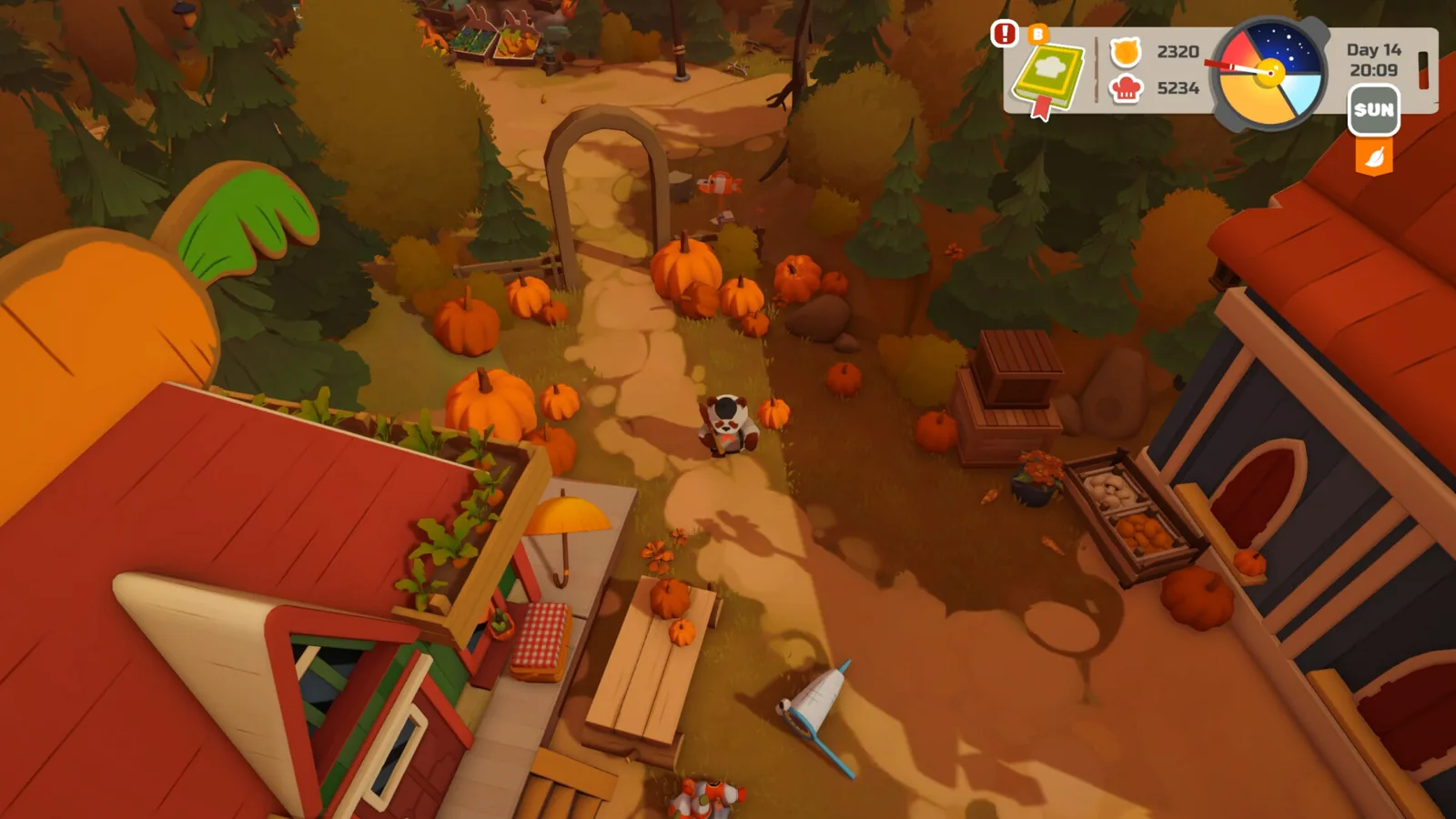
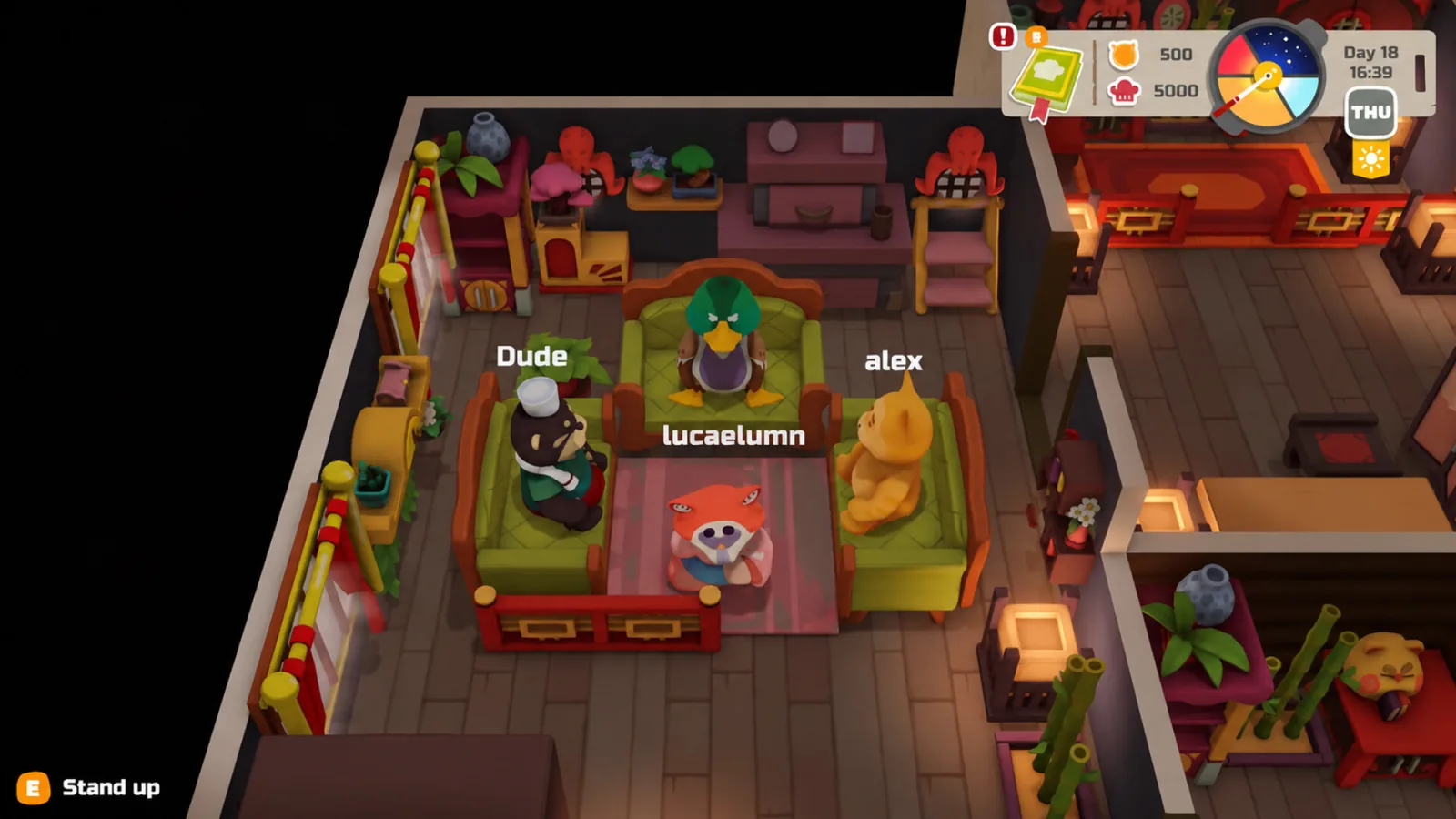
Co-op is a headline feature, not an afterthought. The Steam page lists single-player, multi-player, co-op and online co-op, and the developer describes playing solo or with up to three other players — so a full group is four people. The suggested division of labour in the developer's description is straightforward: work the kitchen together, split up to cover different parts of town, or abandon the work entirely for boat races, basketball and water guns.
The demo patch notes mention private lobbies, lobby codes and session joining as areas that were fixed and improved, which tells you co-op is invite-based rather than a public matchmaking free-for-all. If joining a friend fails, the first thing to try is updating: the October 2026 patch specifically lists fixes for joining private lobbies, world preview issues when joining, network synchronisation, and money desyncs caused by poor connections.
Hardware and platform notes
As of 2026-10-19, the official Steam page lists Windows as the only platform, with Windows 10/11 x64 required, 4 GB RAM and a GTX 1050 at minimum, and 8 GB RAM with an RTX 3060 recommended. The page also lists full controller support and marks a gamepad as recommended, plus Steam Cloud and Family Sharing. The demo patch notes include a Steam Deck and controller section covering lobby-code entry through the Steam keyboard and controller navigation fixes, so controller play is clearly a supported path — but the store page itself does not list a Steam Deck compatibility rating as of 2026-10-19.
Achievements and price are not listed on the official Steam page as of 2026-10-19, so do not plan around either.
A note on the name
Searching for "Pao Pao" also surfaces unrelated results, including a Berlin bubble tea shop ranking video on YouTube that has nothing to do with the game. If a result talks about milk tea, boba and pricing in euros, it is a different Pao Pao entirely.
Next steps
FAQ
Is there a PAO PAO beginner guide for the demo?
There is no separate demo tutorial outside the game, but the demo itself teaches the basics, and the developer's demo patch notes say tutorial steps and hints were improved along with new hints for ingredient boxes, sauce dispensers and fishing.
Can I play PAO PAO solo?
Yes. The official Steam page lists single-player alongside co-op, and the developer describes the game as playable solo or with up to three other players.
Do demo saves carry over to the full game?
The developer's demo patch notes state that demo saves can be transferred to the full version, so you will not have to start from scratch at launch.
When does PAO PAO leave the demo behind?
The official Steam page lists the Early Access release date as October 26, 2026, as of 2026-10-19, with the developer describing Early Access as the point where the island keeps growing with player feedback.
Related Articles
Continue Reading
Starter Guide: First Days in the Demo
A practical PAO PAO starting plan: tutorial, daytime kitchen shifts, fishing, garden beds, quests and four-player co-op, from the pre-release demo.
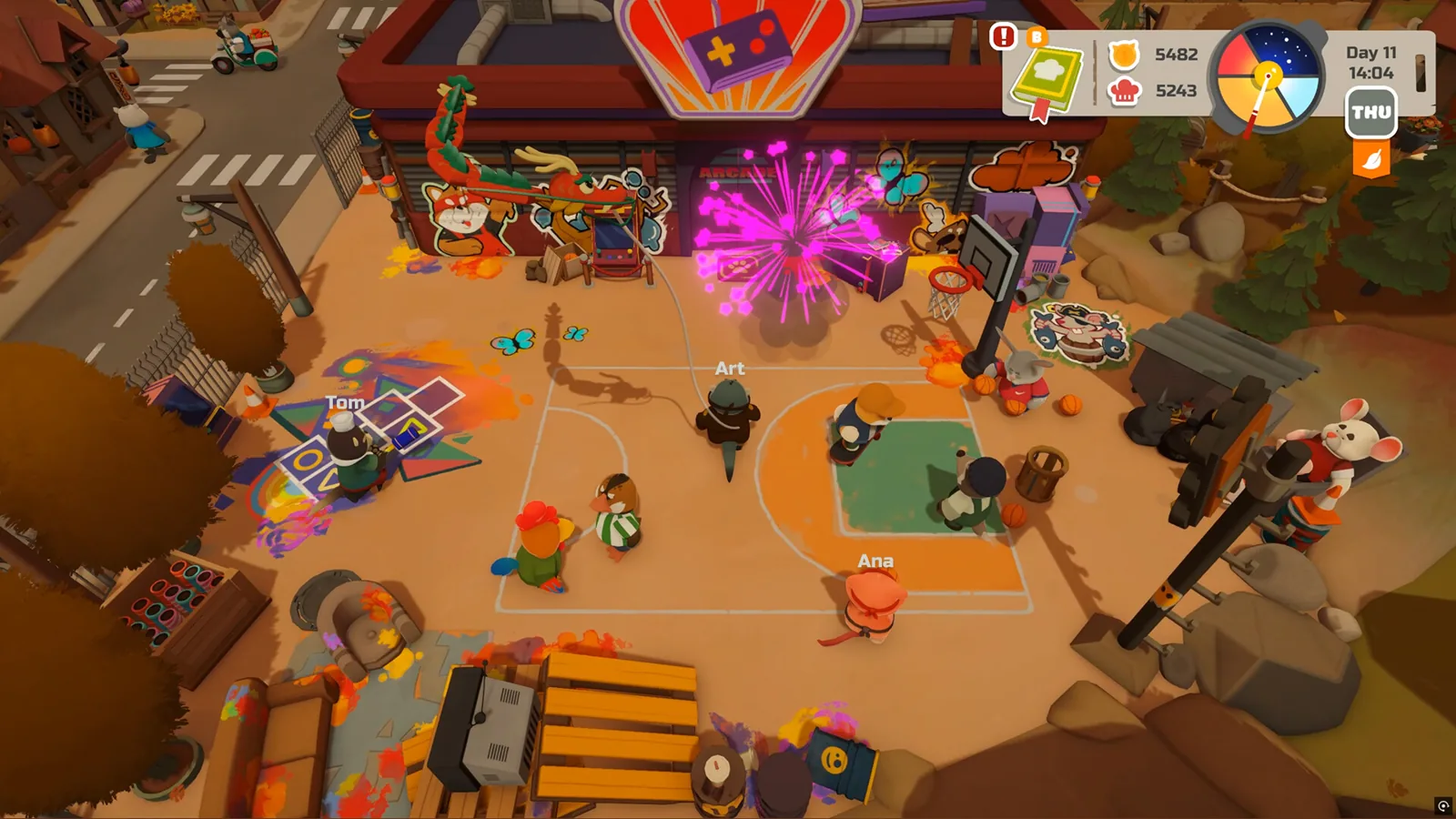
Activities Guide: Cooking, Fishing and Farming
How PAO PAO's restaurant cooking, fishing, farming, gathering and home decorating fit together, with practical demo tips and co-op notes.
Boat Controls: What the Demo Shows
Boats in PAO PAO take you to docks and quest islands, but no button-by-button boat control list is published. What the demo and player reports cover.
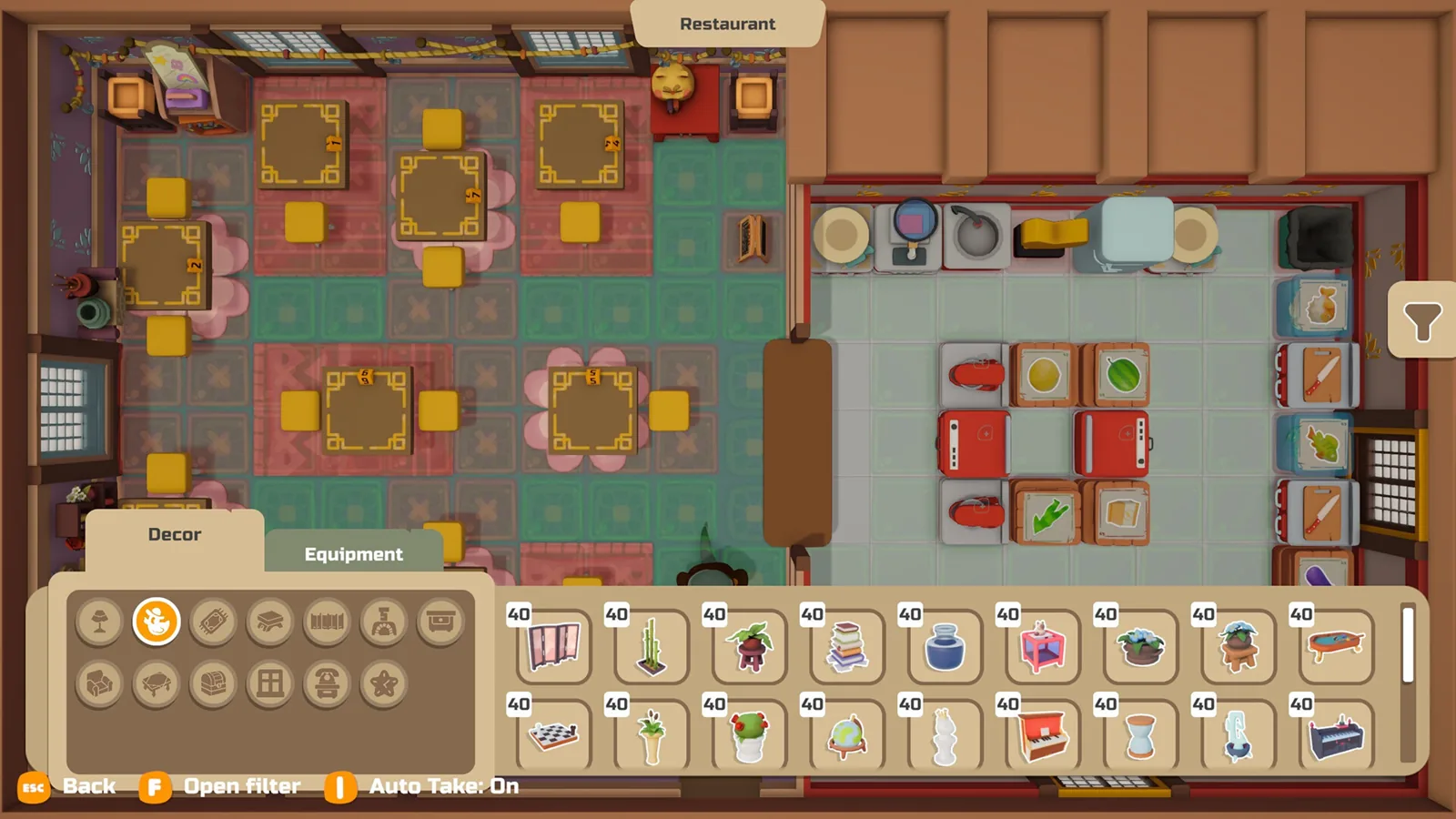
Demo Guide: Saves, Co-op and Contents
What the free PAO PAO demo includes, how demo saves carry into Early Access, co-op limits, and what to try when a friend cannot join.
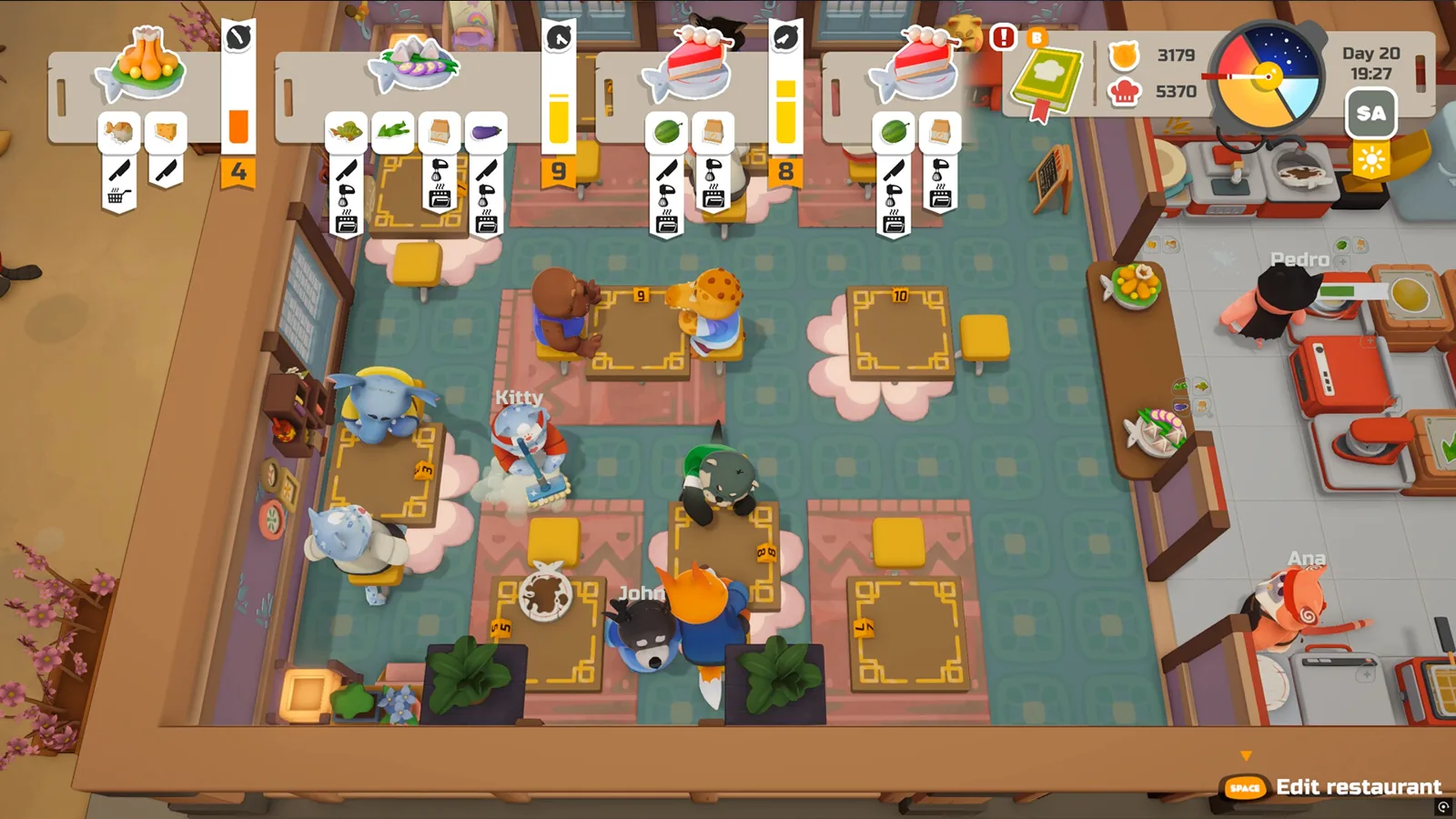
Cooking Guide: Demo Kitchen Basics
A practical PAO PAO cooking guide for the demo: set up your kitchen, prep orders, restock ingredients, and keep service moving.
Daily Menu: What It Is and How It Works
What the PAO PAO daily menu is, how it ties into your cookbook, recipes and restaurant shifts, and why no official item list exists yet.