
PAO PAO Starter Guide: First Days in the Demo
A practical PAO PAO starting plan: tutorial, daytime kitchen shifts, fishing, garden beds, quests and four-player co-op, from the pre-release demo.
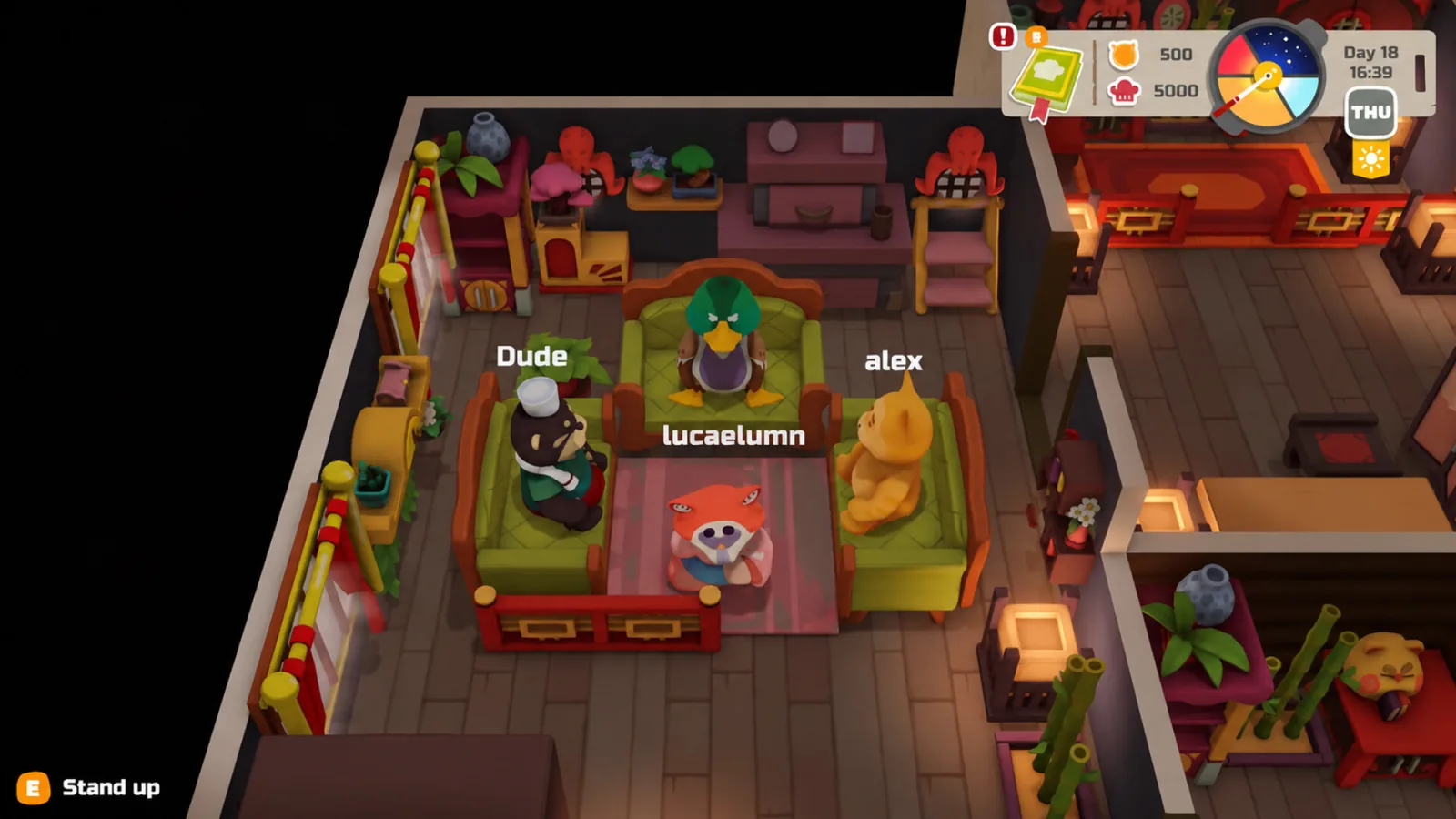
Table of Contents
PAO PAO opens as a guided restaurant handover rather than a blank sandbox. You work through a tutorial, are given supplies and the key to your own restaurant, and are nudged toward the villagers before the island really opens up. The practical starting order is: finish the tutorial, take one villager quest, run your first daytime kitchen shift, then spend the remaining hours on fishing, garden beds and gathering — the activities the official Steam page builds the game around.
One scope note before the steps. As of 2026-10-19, the official Steam page lists PAO PAO as releasing into Early Access on 2026-10-26, so the hands-on detail below comes from the pre-release demo rather than a finished retail build. That is less of a problem than it sounds: a demo patch note dated 2026-09-18 states that demo saves can be carried into the full version, and a second patch on 2026-10-01 revised tutorial steps and hints, so the opening you learn now is close to the one you will keep.
What the first session should look like
| Order | Do this | Why it comes first | If it stalls |
|---|---|---|---|
| 1 | Finish the tutorial before wandering | It hands over the restaurant, supplies and basic tools | Hints were reworked on 2026-10-01; re-read the prompt text rather than guessing |
| 2 | Meet a villager and accept a quest | Quest objectives are tracked on screen | Open the journal and check the quest list |
| 3 | Run one restaurant shift in daylight | The restaurant is a daytime business | Confirm equipment is installed and a menu is set |
| 4 | Fish a spot near the shore or from a boat | Reliable way to use a free block of time | Spot detection was improved in the October patch; move to a different spot |
| 5 | Plant on your plot | Farming is a long-running system, not a same-day payoff | Garden bed interactions were adjusted in the October patch |
The demo write-up at LadiesGamers describes exactly this shape: a fairly long tutorial first, then basic supplies and the restaurant key, then an instruction to go and meet the neighbours. If you skip the tutorial to explore, you will be exploring without the tools the game expects you to have.
The daytime shift is the spine of the day
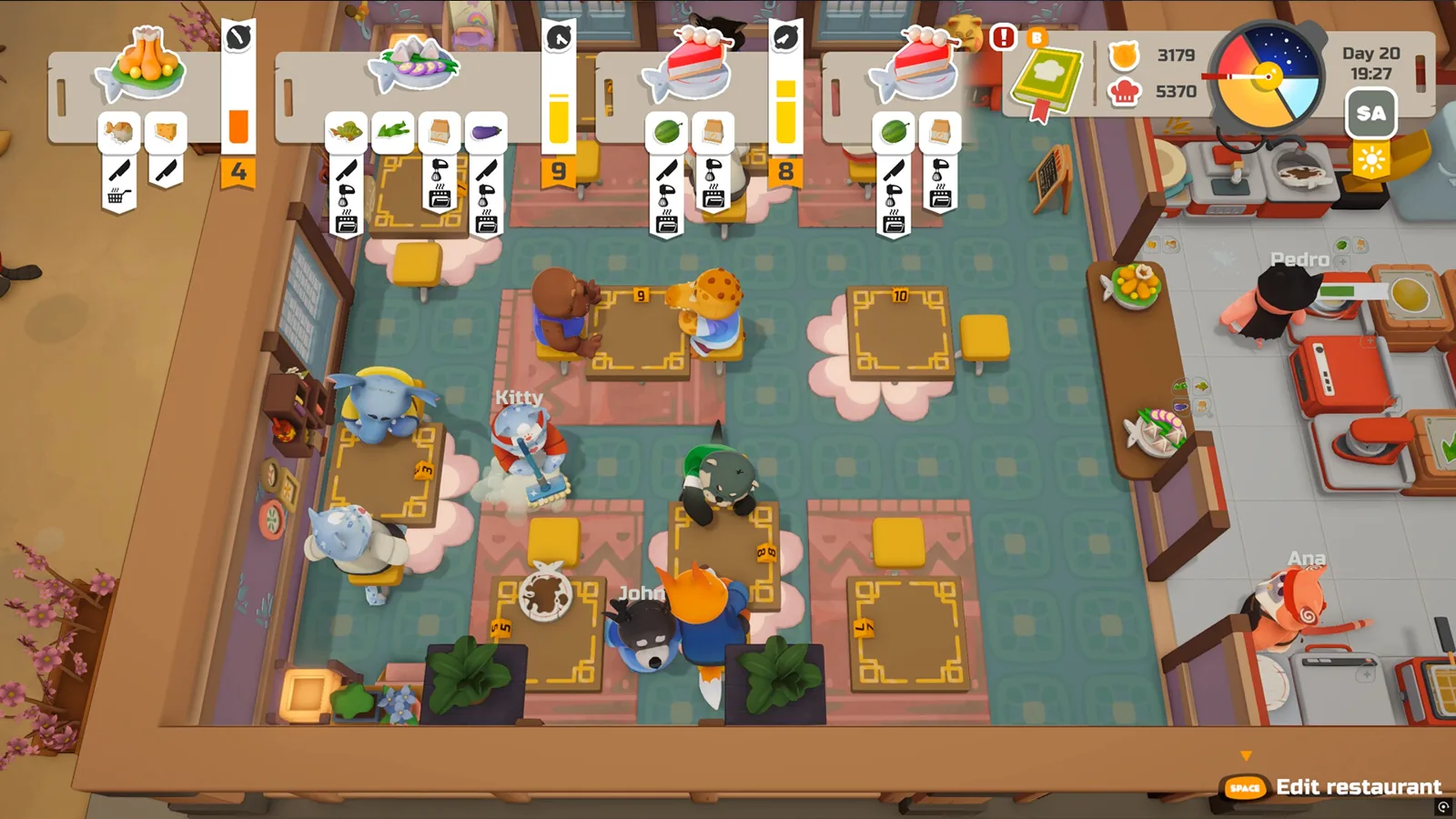
Cooking is the activity the store page describes in the most detail: you install kitchen equipment, assemble a menu, and serve everyone from a handful of simple orders up to a full dining room. LadiesGamers' demo impressions add the constraint that matters most for planning — the restaurant only trades during the day, which leaves the night for quests, errands, decorating or sleep.
Two practical consequences follow. First, treat the shift as the fixed appointment in your day and slot everything else around it. Second, expect pace: the same demo write-up calls the restaurant fast-paced in bursts, comparable to Lemon Cake, and mentions one timed quest that was too quick for that writer's taste. Whether that particular quest can be bypassed was unclear in the demo, and as of 2026-10-19 the official Steam page does not describe a difficulty or accessibility toggle for timed content. If a timed order overwhelms you, the safer habit is to simplify what you attempt per shift rather than hunt for a setting that may not exist.
Fishing, garden beds and gathering fill the gaps
These are the systems that keep the town moving while the kitchen is closed.
- Fishing. The store page lists fishing from the shore or from a boat. In the demo, the reel-in is an active minigame: LadiesGamers describes holding the fish inside a target area with a controller button while steering with the left stick, and calls it challenging without being punishing. The 2026-10-01 patch added fishing hints and improved how spots are detected, so a spot that refuses to trigger is worth abandoning rather than fighting.
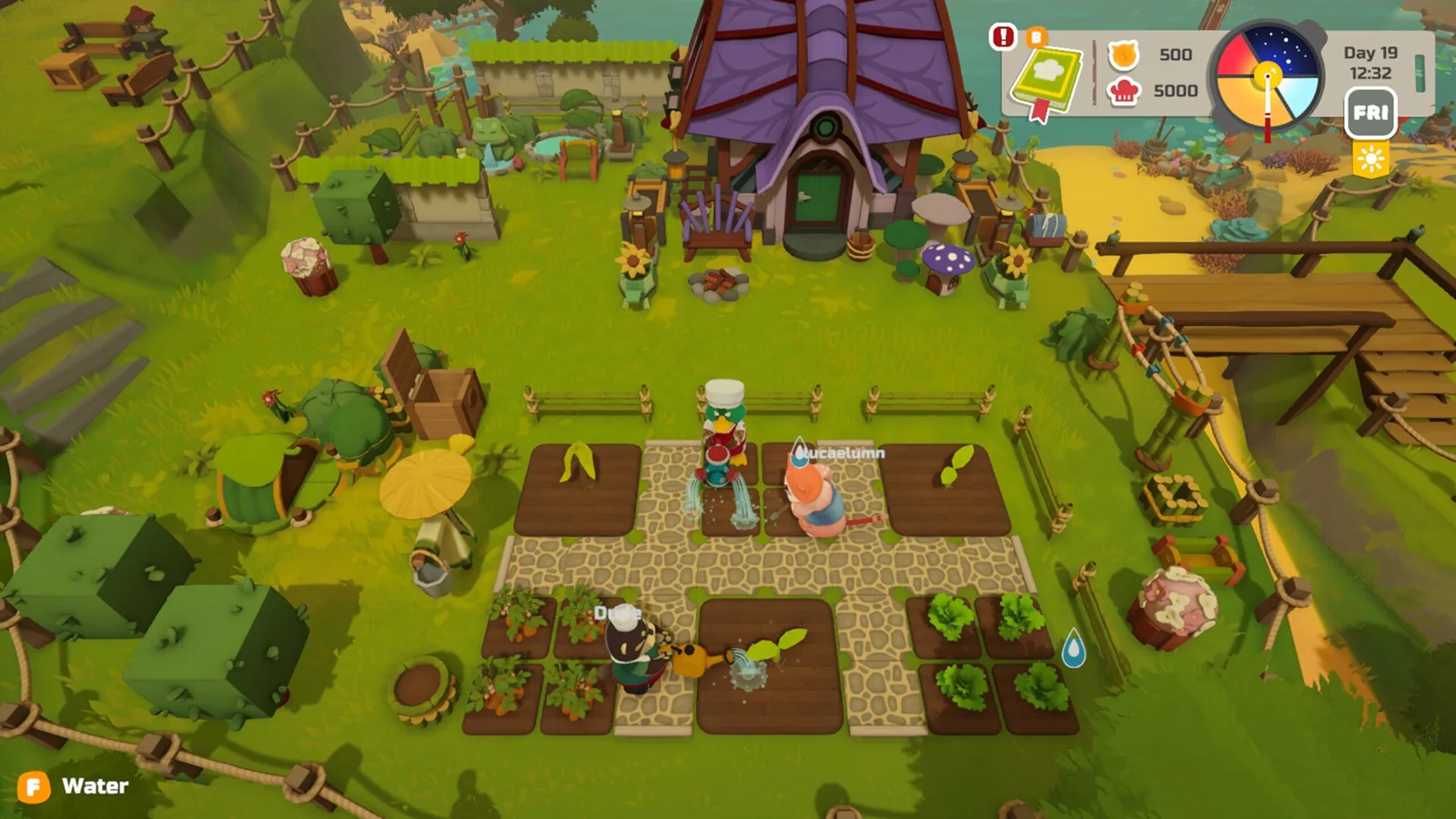
- Farming. There is a farmable area beside the restaurant in the demo, and seeds are sold in the shop that also stocks restaurant supplies and decor. Garden beds are the surface the patch notes discuss, and their interactions were smoothed in October. The funguysswarm starter guide advises planting early on the reasoning that crops continue growing while you are busy elsewhere; that growth-while-away behaviour is a community observation rather than something the store page spells out, so treat the timing as a habit worth forming rather than a fixed rule.
- Gathering and town life. The official description covers collecting resources in the forest, walking the town, and spending time in the arcade. The demo also hides small optional finds — kites you can untie and re-tie elsewhere, an apple basket, a box of fireworks — which are pleasant detours rather than progression.
Quests, the journal and the guidance tab
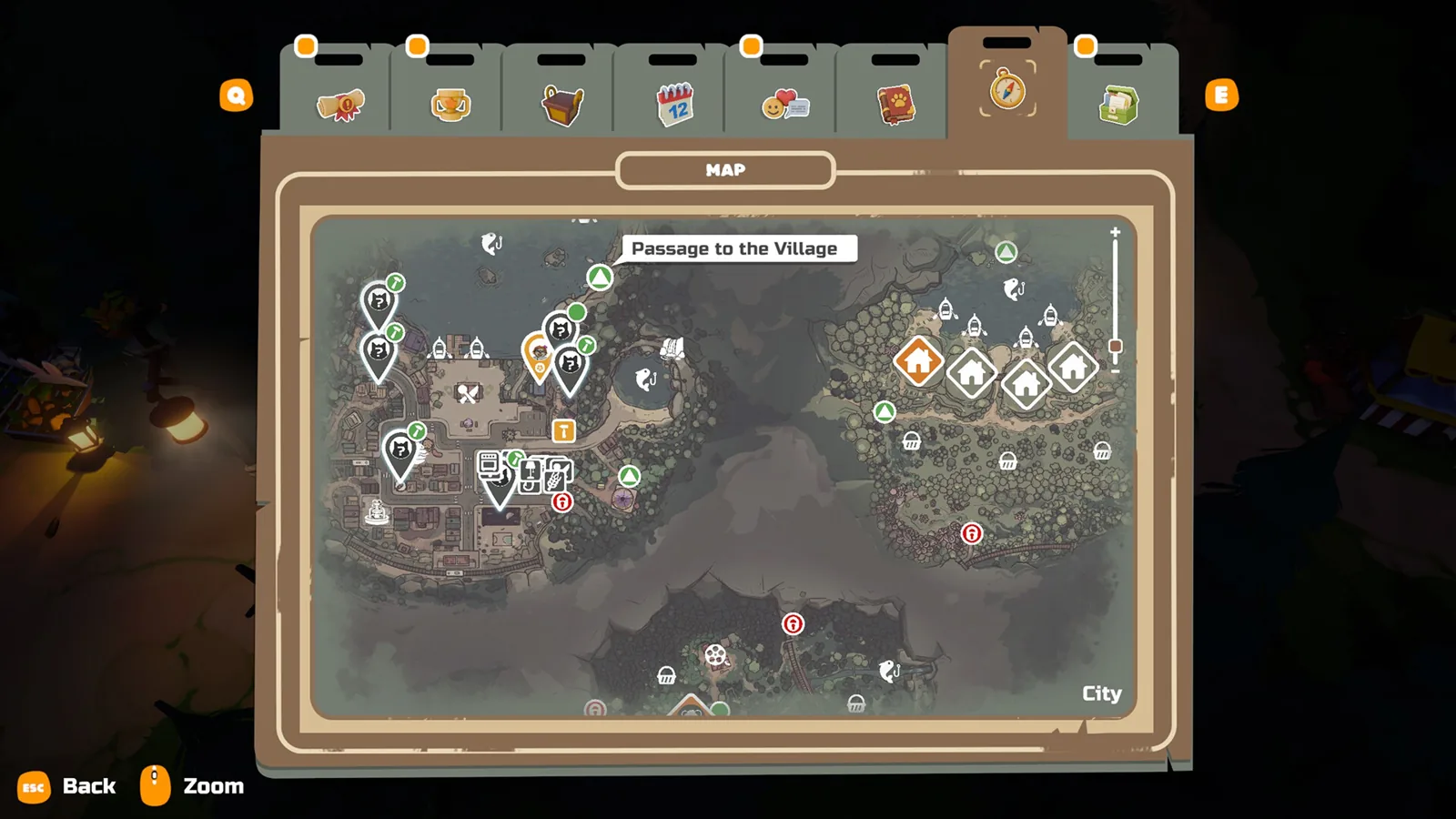
Quests are the clearest early direction the game gives you. In the demo, Milo the scientist in his lab asks you to cook a specific meal for five different customers and report back, and the current objective sits in the top-right corner of the screen. The journal tracks inventory, quests and collections, and includes a guidance section that re-explains mechanics — useful when you return after a break and have forgotten a control.
The library is worth a visit for a different reason: LadiesGamers found books containing partial recipe fragments, presented as floating letters you assemble into words, and speculated that completing them might matter in the finished game. That is a demo observation, not a confirmed system.
Playing with four
The store page lists single-player, online co-op and co-op for up to three other players, so four people in total. Solo play is fully supported — the demo impressions were written from a single-player run with a controller, and the controls were described as uncomplicated. Steam also lists full controller support with a gamepad recommended.
For groups, the October patch is the relevant reading: private lobby joining, world previews when joining a session, network synchronisation and money desyncs were all fixed, and voice chat settings were added. A demo patch note mentions entering lobby codes with the Steam keyboard. Once you are in, the official description suggests splitting up — some players on the kitchen, others exploring — or ignoring work entirely for boat races, basketball and water guns. The funguysswarm guide makes the same point in its own words, framing co-op as the reason to bring friends along.
Limits worth knowing before you start
The plan above describes the demo. ArtDock's 2026-10-01 patch shows the opening is still being tuned, so expect small differences on launch. As of 2026-10-19, the official Steam page lists Windows as the platform and gives these requirements:
| Minimum | Recommended | |
|---|---|---|
| OS | Windows 10/11 x64 | Windows 10/11 x64 |
| CPU | Intel Core i3-10100 | Intel Core i5-12400 |
| RAM | 4 GB | 8 GB |
| GPU | GeForce GTX 1050 | GeForce RTX 3060 |
| Storage | 2 GB | 2 GB |
The same page lists Steam Cloud, Family Sharing and Steam Achievements as features, though it shows no achievement list as of 2026-10-19.
Next steps
FAQ
Is this PAO PAO starter guide based on the released game?
No. It is built from the pre-release demo and ArtDock's patch notes; as of 2026-10-19 the official Steam page lists Early Access beginning 2026-10-26, and demo saves are stated to carry over.
Can you play PAO PAO solo?
Yes. The store page lists single-player alongside online co-op for up to four total, and the demo impressions were written from a solo controller playthrough.
Is PAO PAO like Overcooked?
The comparison circulates in community discussion — the funguysswarm guide calls it a gentler take on co-op cooking — but the demo write-up at LadiesGamers reaches for Lemon Cake instead and notes that restaurant service is fast-paced in bursts rather than constantly frantic. Expect pressure during shifts and calm outside them.
Is PAO PAO good for kids and families?
The funguysswarm guide describes it as a gentle life sim suited to family play, and the official Steam page lists full controller support, Family Sharing and no combat system as of 2026-10-19. The timed quests are the main caveat for younger or slower players.
Related Articles
Continue Reading
Walkthrough: Your First Days on the Island
No full PAO PAO walkthrough is published yet. Here is the practical order of play the developer's notes describe, plus co-op and demo-save tips.

Beginner Guide: What to Do First
Start PAO PAO with the demo, learn the restaurant-and-farming loop, and set up co-op before the October 26, 2026 Early Access launch.
Boat Controls: What the Demo Shows
Boats in PAO PAO take you to docks and quest islands, but no button-by-button boat control list is published. What the demo and player reports cover.
Demo Guide: Saves, Co-op and Contents
What the free PAO PAO demo includes, how demo saves carry into Early Access, co-op limits, and what to try when a friend cannot join.
Cooking Guide: Demo Kitchen Basics
A practical PAO PAO cooking guide for the demo: set up your kitchen, prep orders, restock ingredients, and keep service moving.
Character Customization: What the Demo Shows
How character customization works in PAO PAO's demo — colored tabs at character creation, more options in the second demo, and what Early Access adds.