
PAO PAO Character Customization: What the Demo Shows
How character customization works in PAO PAO's demo — colored tabs at character creation, more options in the second demo, and what Early Access adds.
Table of Contents
PAO PAO does let you customize your character, and the clearest description of how comes from demo coverage rather than the store page. In the second PAO PAO demo, you set up your character at the start by clicking through colored tabs, and that demo build added more character options than the first one. What the store page and demo write-ups do not give is a full breakdown of the individual parts — faces, hairstyles, clothing slots, color pickers — so treat the creator as something you explore in-game rather than a list you can plan in advance.
What the game itself confirms
The PAO PAO Steam page carries "Character Customization" among its popular user-defined tags, and the Early Access Q&A on the same page states that the current version includes character and location customization alongside the restaurant and progression systems. The same Q&A says the developers plan to expand character progression and add more customization options during Early Access, which they expect to run roughly 6 to 12 months. As of 2026-10-19, the official Steam page does not list the specific options available inside the character creator.
How the creator works in the demo
In HanyHatbox's walkthrough of the second demo, the first change called out is more character choices: you customize your character by clicking the colored tabs shown on screen. That is the practical loop — the tabs are the interface, and clicking through them changes your look before you start playing.
Two version notes matter here:
- The extra character options belong to the updated second demo. The earlier demo build had a smaller set, so a guide or video from that period may look out of date.
- The second demo also reworked the opening — the intro no longer begins with the tax-reminder call — so the character step now sits at the front of a slightly different opening sequence than players saw in the first demo.
Character customization is separate from home customization
The Steam page's own "customize" language is mostly about places, not people: it invites you to decorate your house, restaurant, and garden and to combine furniture and decor styles. That is location customization, and it is a different system from your character's appearance. If decorating is what you are after, see PAO PAO house decoration.
The clothing store is worth checking, not confirmed
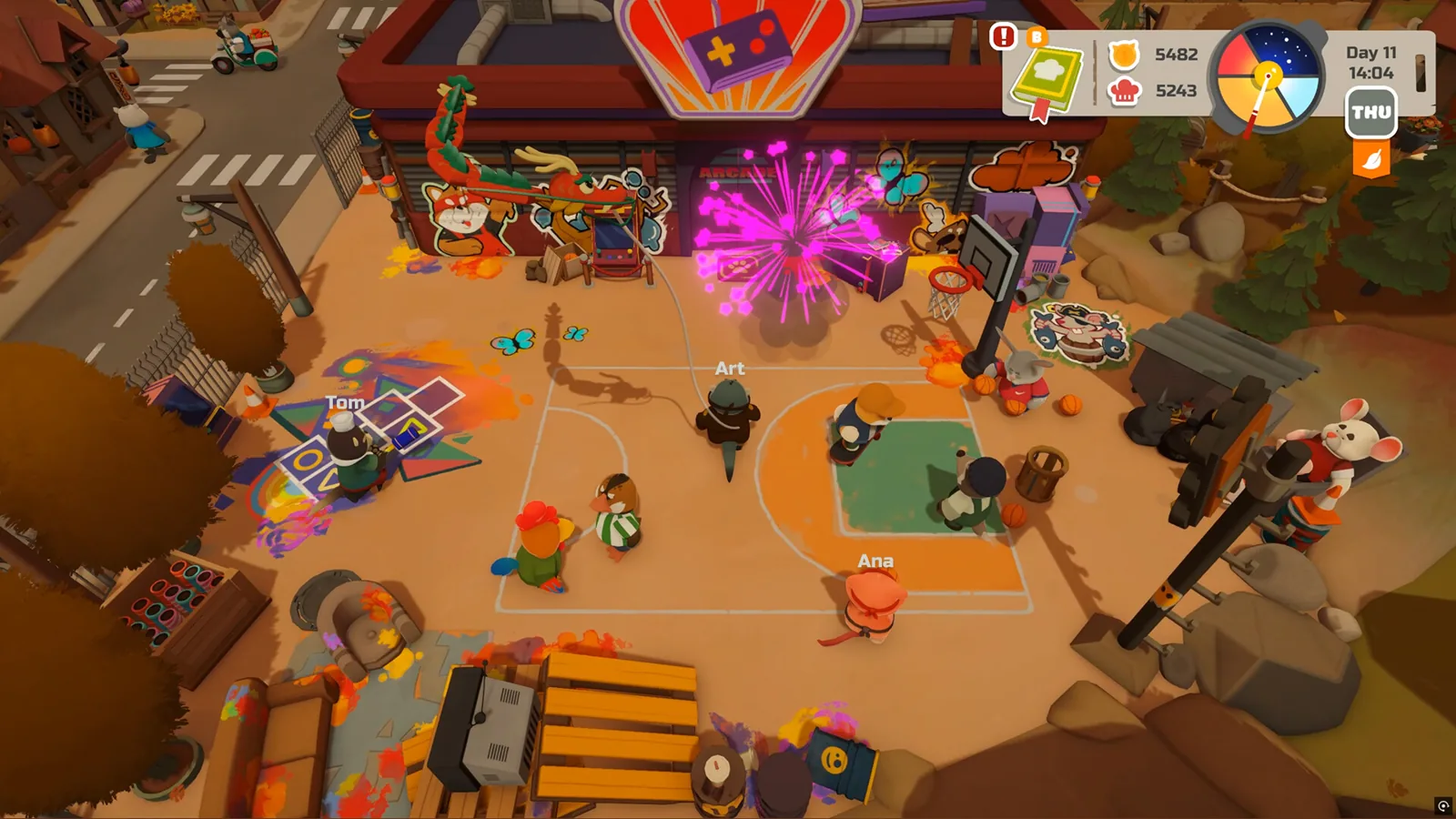
In LadiesGamers' January 2026 demo impressions, the writer notes finding a clothing store among the town's shops while exploring. Those impressions describe the shop as part of the town, not as a confirmed wardrobe or appearance editor, so the honest reading is that it is a place to visit and check in your own build rather than a documented way to change your character's outfit.
If the tabs do not respond
The developer's October 1, 2026 patch notes mention improved gamepad navigation, and the store page recommends a controller. If clicking the colored tabs does nothing, it is worth trying mouse input, checking that your controller is recognized, or restarting the demo before concluding the creator is broken. These are general troubleshooting steps, not documented fixes for a known creator bug.
Next steps
- PAO PAO house decoration — the place-and-furniture side of customization, which the Steam page describes in far more detail than the character creator.
FAQ
How do you customize your character in PAO PAO?
In the second demo, you click the colored tabs shown during character setup to change your look. The full set of options is not published on the Steam page as of 2026-10-19.
Can you customize your character in PAO PAO?
Yes. The Steam page tags the game with character customization, and the Early Access Q&A says the current version includes character customization.
Did the second PAO PAO demo add more character options?
Yes. HanyHatbox's walkthrough of the updated demo lists more character choices as the first change, with customization done through the colored tabs.
Is character customization the same as decorating your house?
No. The Steam page describes decorating your house, restaurant, and garden as a separate building and decor system from your character's appearance.
Related Articles
Continue Reading
House Decoration: What You Can Customize
A practical look at house decoration in PAO PAO: what the developer says you can decorate, how styles mix, co-op caveats, and what is not yet documented.
Boat Controls: What the Demo Shows
Boats in PAO PAO take you to docks and quest islands, but no button-by-button boat control list is published. What the demo and player reports cover.
Garden: What the Seaside Plot Actually Does
What the PAO PAO garden is, how garden beds and crop growing fit the cozy co-op life sim, and what the developer's patch notes say about them.
Boat: What Boats Actually Do on the Island
PAO PAO boats appear as a way to fish from the water and as a co-op race activity on the Steam page, but no controls, prices or dock locations are published.
Starter Guide: First Days in the Demo
A practical PAO PAO starting plan: tutorial, daytime kitchen shifts, fishing, garden beds, quests and four-player co-op, from the pre-release demo.
Voice Chat: What the Patch Added
PAO PAO's second patch added voice chat settings. Here's what that means for co-op, what isn't documented, and how groups usually talk while playing.