
PAO PAO Demo Save Transfer: What Carries Over
ArtDock's September 2026 demo patchnote says PAO PAO demo saves move to the full game. What that covers, what it leaves open, and what to do before October 26.
Table of Contents
Short answer
PAO PAO's demo save transfer is developer-confirmed. In the demo patch notes published on PAO PAO's Steam news feed on 18 September 2026, ArtDock stated that saves made in the demo can be carried over to the full version of the game, so the restaurant, garden and seaside home you build during the free demo do not have to be rebuilt when Early Access begins on 26 October 2026.
That same note does not describe how the handover works — no menu, prompt, export file or folder is named in it. So the promise is solid; the exact procedure is something the Early Access build itself will show. Plan on your demo town continuing, not on performing a technical ritual before launch.
| Question | What the material shows (as of 2026-10-19) |
|---|---|
| Does demo progress carry into the full game? | Yes — stated in ArtDock's 18 September 2026 demo patchnote |
| Is there an export code, file or button? | The 18 September 2026 patchnote names none |
| Which platform does this apply to? | The official Steam page lists Windows; no other platform is listed there |
| When does the full game open? | Early Access, 26 October 2026, per the official Steam page |
| Is the demo still available? | The pre-release demo opened 14 September 2026 and has been patched since |
What "save transfer" means in PAO PAO
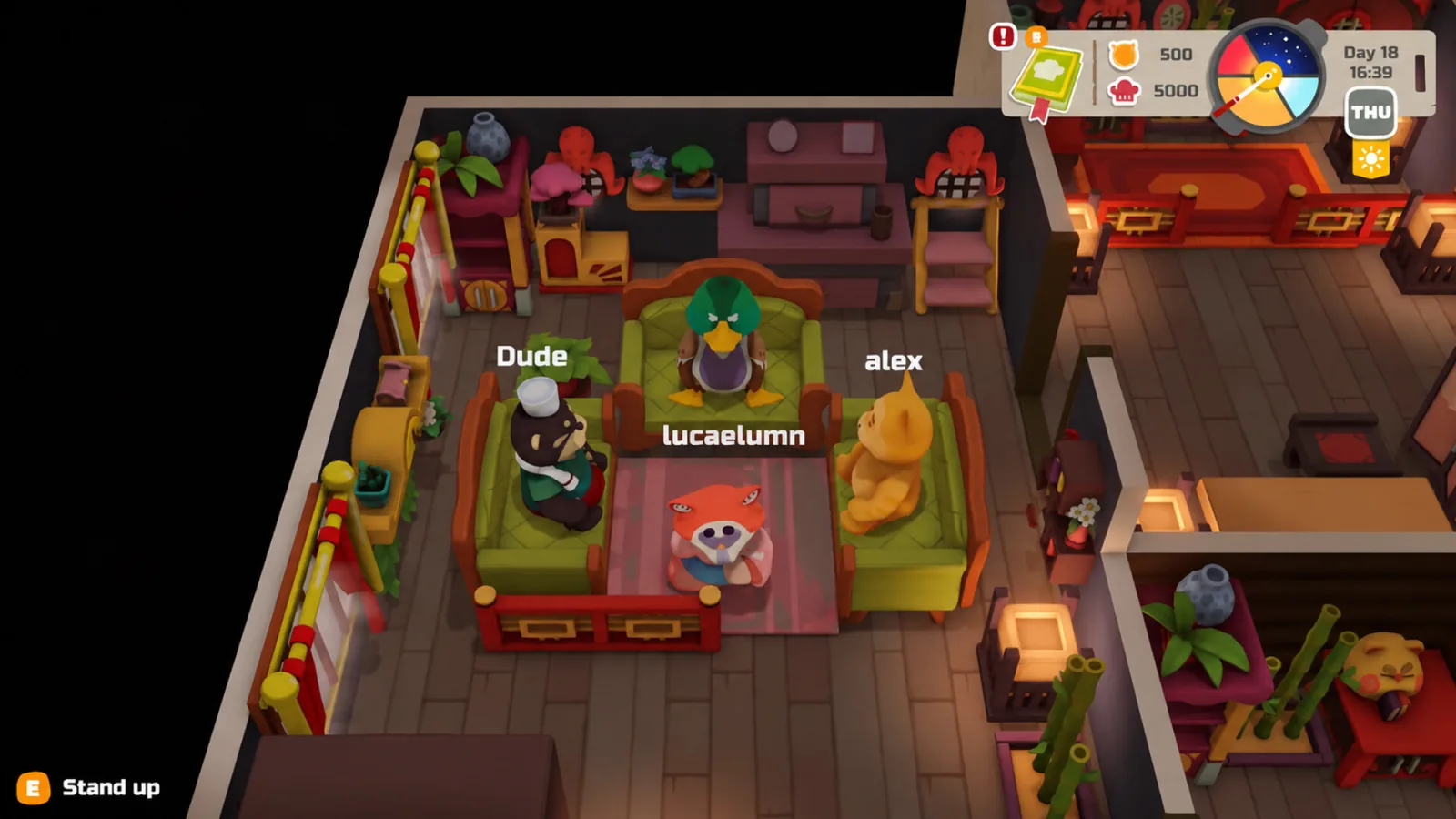
The demo is a slice of the finished game rather than a separate product: same island, same kitchen loop, same co-op sessions. Save transfer therefore means your existing town state — the restaurant you have fitted out, the crops in your beds, the money you earned, the decorations in your house — is the starting point for Early Access instead of a fresh tutorial save.
The patch history backs up that these are persistent, tracked values. The 1 October 2026 patch lists fixes for money desyncs, item duplication on garden beds and treasure chests, and saving home decorations. Those are exactly the systems a transfer has to carry, which is why the transfer note appeared in the same development window.
Before October 26: a short, honest checklist
- Keep the demo updated. ArtDock shipped a major demo patch on 18 September 2026 and a second one on 1 October 2026. Because the transfer announcement arrived inside a patch, running an old build is the most likely way to be out of step with what launch expects.
- Play on the account you intend to keep. Nothing in the material describes a way to move a save between Steam accounts; treat the demo profile and the Early Access profile as the same account by default.
- Leave Steam Cloud alone if it is already on. The official Steam page lists Steam Cloud among the game's features. A conditional suggestion rather than a tested step: if you normally disable cloud sync, keeping it enabled is the low-effort safety net while the transfer method is still undocumented.
- Do not go hunting for an export file. As of the 18 September 2026 patchnote, no export step is described, and inventing one from another game's workflow is how people lose saves.
The "version mismatch" message
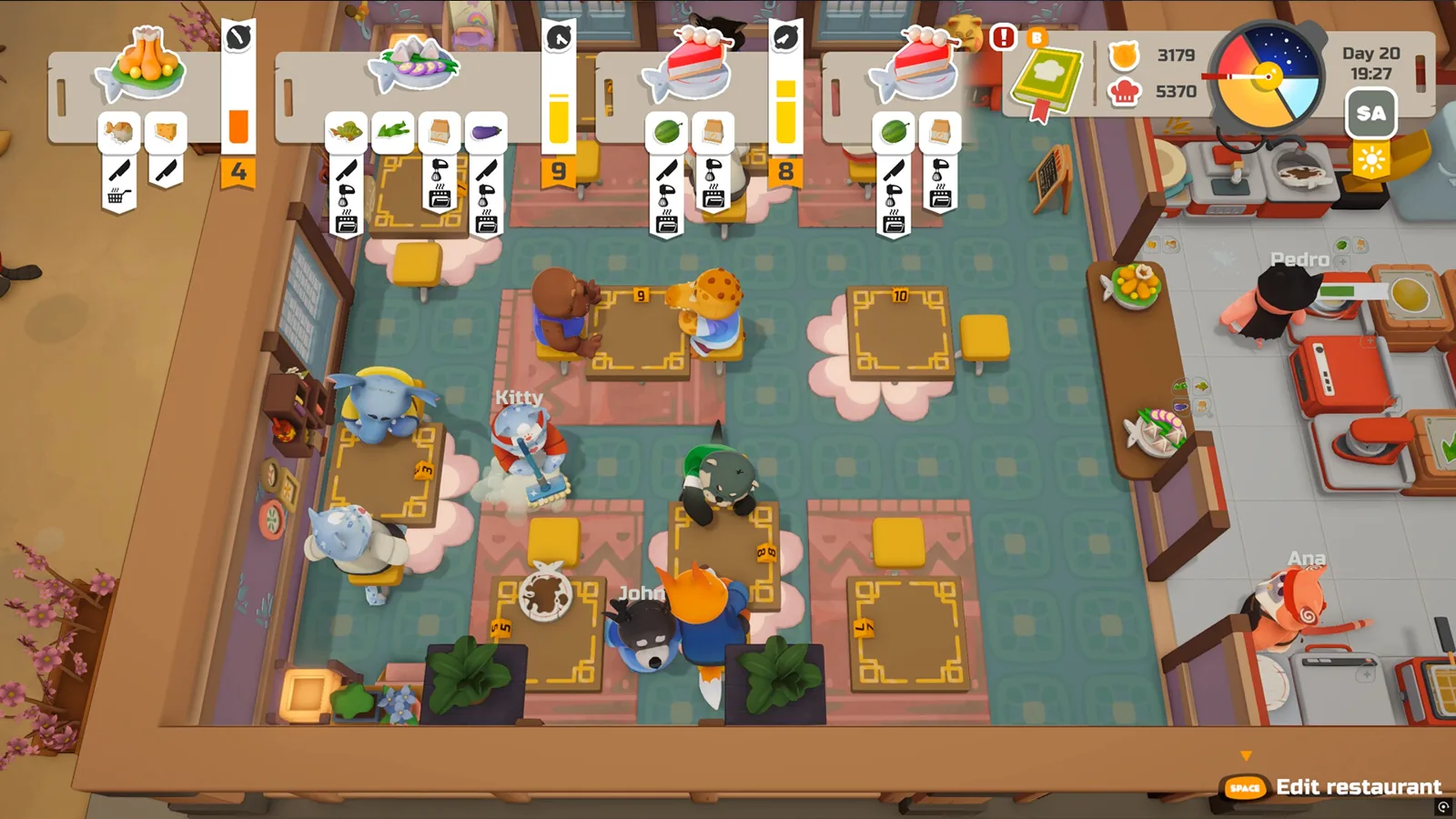
Players searching for this topic often land on the demo's co-op errors first. According to the community demo guide at funguysswarm.site, a "version mismatch" notice means your demo build differs from the build the other players in the session are running, and the suggested fix is to update the demo through Steam and restart.
That reading fits the official patch record: ArtDock's demo patches are full of multiplayer sync work — session joining, ping stability, infinite loading screens, black screens when a host leaves — and the 18 September 2026 note also mentions entering lobby codes with the Steam keyboard, which confirms the demo has lobby-based co-op. If a mismatch appears, updating and relaunching is a reasonable first move; if it persists after both sides are patched, the connection troubleshooting path is a separate problem from save transfer.
What the demo actually gives you
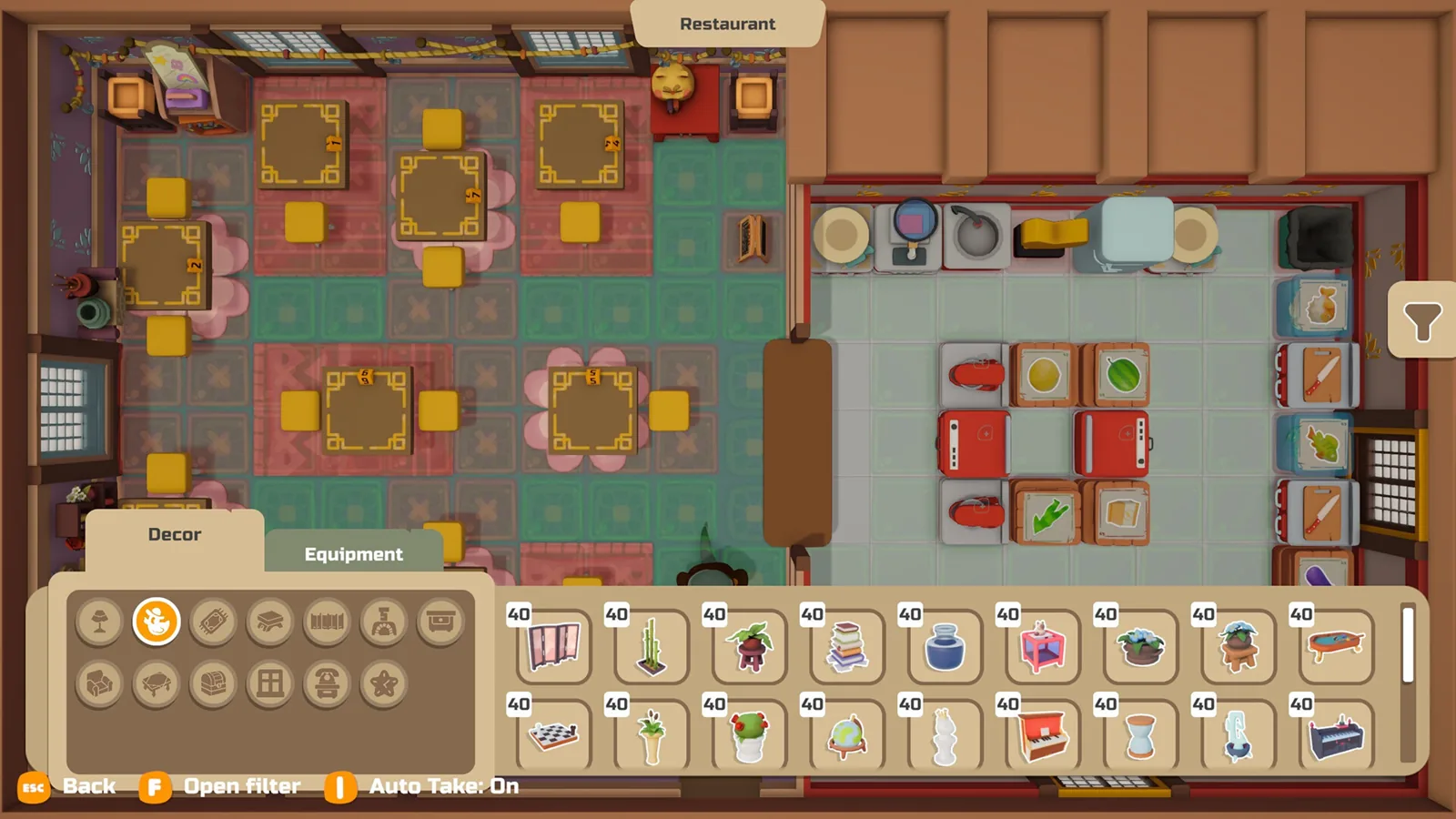
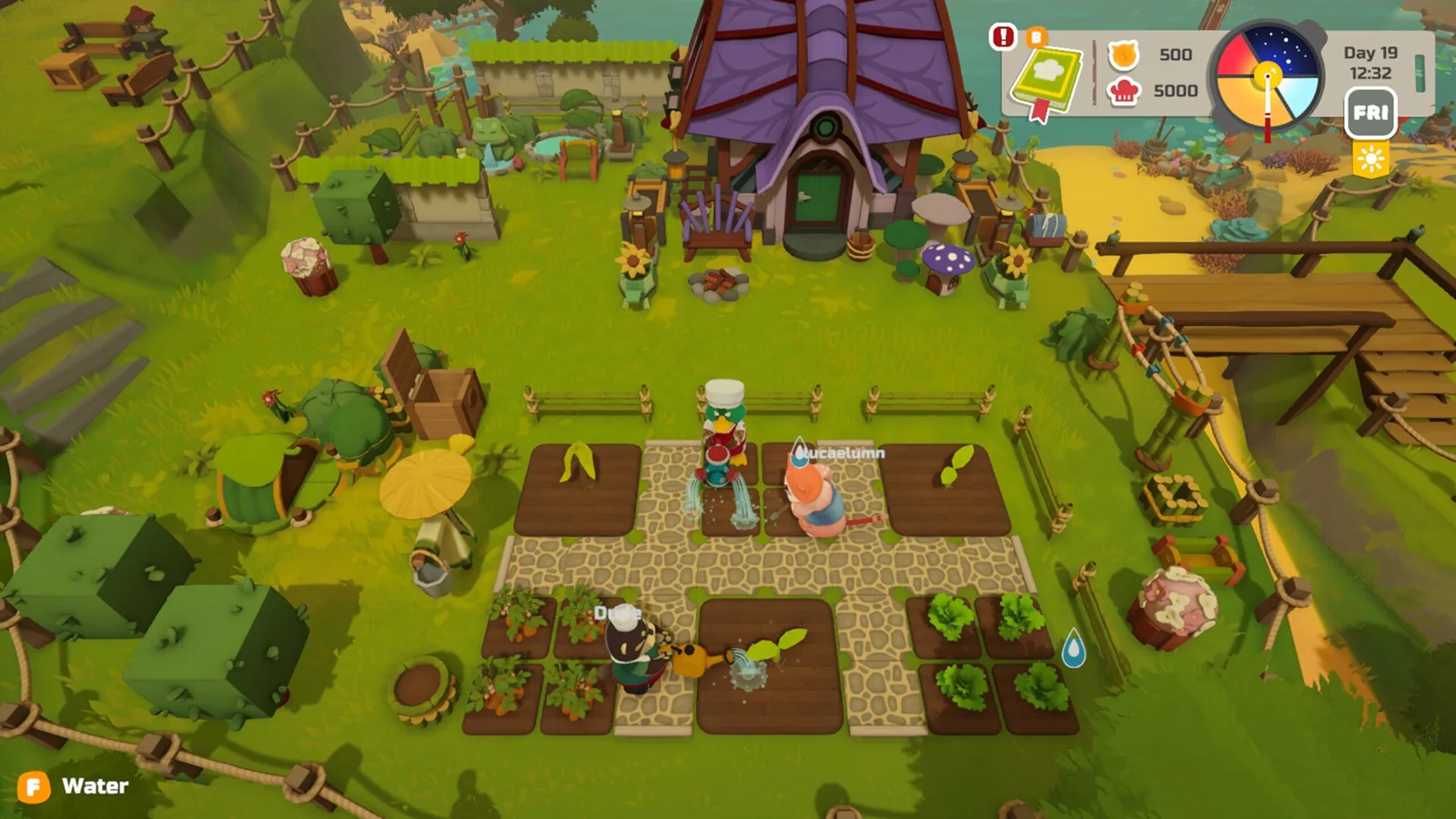
The official Steam page describes the full game's loop — running and expanding a restaurant, fishing from shore or boat, growing crops, gathering in the forest, decorating a house, restaurant and garden, plus co-op for up to three friends alongside you. The demo is the pre-release slice of that, live since 14 September 2026.
| Topic | Detail |
|---|---|
| Getting the demo | The Steam page offers a demo download; the community guide describes searching "PAO PAO" and choosing the demo option |
| Multiplayer | Supported — the demo patchnotes fix lobbies, host departures and lobby-code entry |
| Player count | Store page describes solo play or co-op with up to three other players |
| Recipes | Changing — the 1 October 2026 patch updated recipes and added one, so recipe lists differ between builds |
| Length | ArtDock has published no official demo length as of 2026-10-19; players describe it as a slice of town life |
A first session that sets up a good transfer
Since your demo save is the seed of your Early Access town, the order you do things in matters more than it would in a throwaway demo. Community demo advice, including the funguysswarm.site guide, converges on a simple rhythm: cook first because the kitchen is the core system and the one the game teaches hardest; put crops in early so they mature while you are elsewhere; take fishing runs in the gaps between cooking queues; and bring friends if you can, since co-op is where the game's gentle take on chaotic kitchen games actually lands.
The transfer context adds one more: don't rush to spend everything. Money and decorations are the state most likely to define your launch position, and both are explicitly listed as fixed and balanced in the October patch.
What changes at Early Access
PAO PAO leaves the demo behind on 26 October 2026, per the official Steam page, which also lists the game as Early Access with ArtDock developing and Dreland Enterprises publishing. ArtDock's 17 September 2026 announcement frames Early Access as a starting point rather than a finish line — more world, more activities, deeper systems, shaped by player feedback.
The community guide expects the launch build to widen the town, its residents and the recipe book. Treat that as expectation rather than a published feature list: the only recipe claim with official backing is that recipes were already being updated and expanded during the demo period.
FAQ
Does PAO PAO demo save transfer actually work?
Yes, per the developer. ArtDock's demo patchnote of 18 September 2026 states that demo saves can be moved to the full version, which is why the free demo is worth playing seriously rather than as a throwaway preview.
Do I need to do anything before October 26 to keep my demo town?
No documented step exists. Keep the demo patched, stay on the same Steam account, and avoid deleting anything — the 18 September 2026 patchnote describes no export code, file or menu action to perform.
Will my recipes and decorations survive the switch?
Decorations are plausible because the 1 October 2026 patch specifically fixed saving of home decorations, and money and garden state are tracked between sessions. Recipes are the weaker bet: that patch also updated existing recipes and added a new one, so individual dishes may differ even if your save carries over.
Why does my demo say "version mismatch" when I join a friend?
According to the community demo guide, it means your build and your friend's build are different. Update the demo on Steam, restart, and have the other player do the same before retrying the lobby.
Related Articles
Continue Reading
save game: Cloud and Demo Transfers
What the PAO PAO Steam page and developer patch notes say about save games: Steam Cloud, demo-to-full saves, and what is not documented yet.
Controller Support: What Works on Steam
As of 2026-10-19, PAO PAO's Steam page lists full controller support and recommends a gamepad, with Xbox and PlayStation controllers named.
Multiplayer Connection Issues: What Helps
What PAO PAO's co-op connection problems look like, which session and desync bugs the patches addressed, and what to check when joining fails.
steam deck compatibility status
PAO PAO's Steam Deck rating reads Unknown as of October 2026. What the store page, demo patch notes and controller support actually say.
Character Customization: What the Demo Shows
How character customization works in PAO PAO's demo — colored tabs at character creation, more options in the second demo, and what Early Access adds.
Boat Controls: What the Demo Shows
Boats in PAO PAO take you to docks and quest islands, but no button-by-button boat control list is published. What the demo and player reports cover.