
PAO PAO Walkthrough: Your First Days on the Island
No full PAO PAO walkthrough is published yet. Here is the practical order of play the developer's notes describe, plus co-op and demo-save tips.
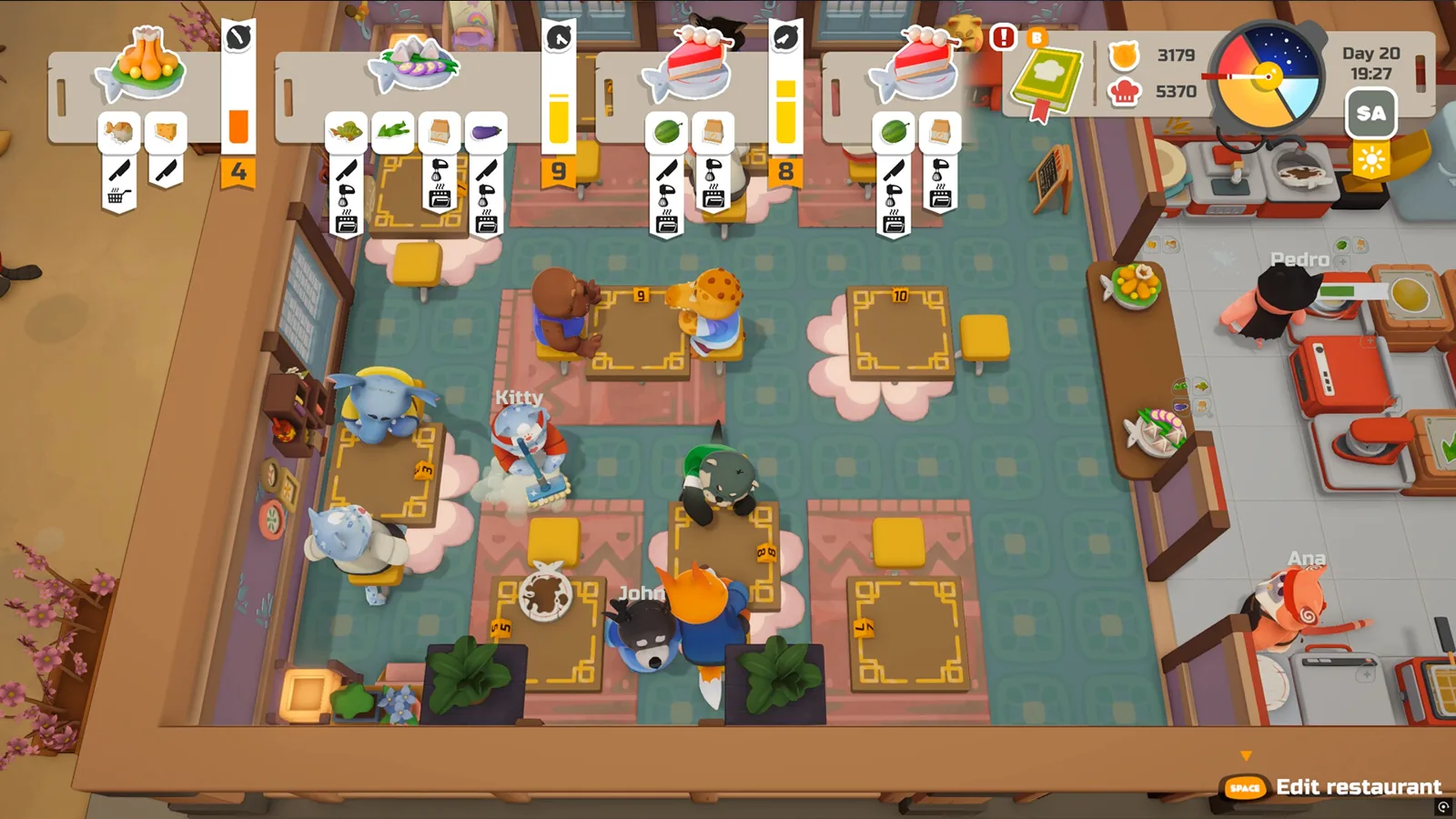
Table of Contents
There is no published step-by-step PAO PAO walkthrough to follow right now, and this page will not pretend otherwise. What exists is a clear, developer-described loop: a tutorial, a tool wheel, gathering and fishing, garden beds, restaurant shifts, and optional co-op. As of 2026-10-19, the PAO PAO Steam Community guides hub lists a Walkthroughs category next to Co-op, Crafting and Gameplay Basics, but that hub page does not present a specific walkthrough entry.
So the useful version of this question is: in what order should you actually play, and what does the game expect you to touch first? The order below is organised from the developer's own Steam announcements and patch notes for PAO PAO, which describe systems and fixes rather than a scripted route.
What you need before you start
- The demo, not the full game. The official Steam store page gives PAO PAO a release date of October 26, 2026, in Early Access; a pre-release demo has been playable since September 2026. As of 2026-10-19, the store page lists Windows only.
- A 64-bit Windows 10/11 machine. The store page's minimum spec names an Intel Core i3-10100, 4 GB RAM, a GeForce GTX 1050, DirectX 11 and 2 GB of storage.
- A controller if you have one. The store page recommends a gamepad, and the developer's demo patch notes mention improved controller navigation and DualShock 4 modal-window fixes.
- Friends, optionally. The store page describes solo play or co-op with up to three other players.
Start with the tutorial, then the tool wheel
The tutorial is the closest thing to a walkthrough the game currently gives you, and the developer has been actively rewriting it. The October 1, 2026 patch notes say tutorial steps and hints were improved, with new hints added for ingredient boxes and sauce dispensers. Read those hints rather than clicking past them.
The developer's PAO PAO DEMO Patchnote of 2026-09-18 describes a tool wheel with category icons and quick tool switching with a short press. If you find yourself cycling through a full wheel mid-task, check whether your build supports the short-press switch — that behaviour arrived in that 2026-09-18 demo patch, so a demo build from before it will not have the short-press switch.
A practical order of play
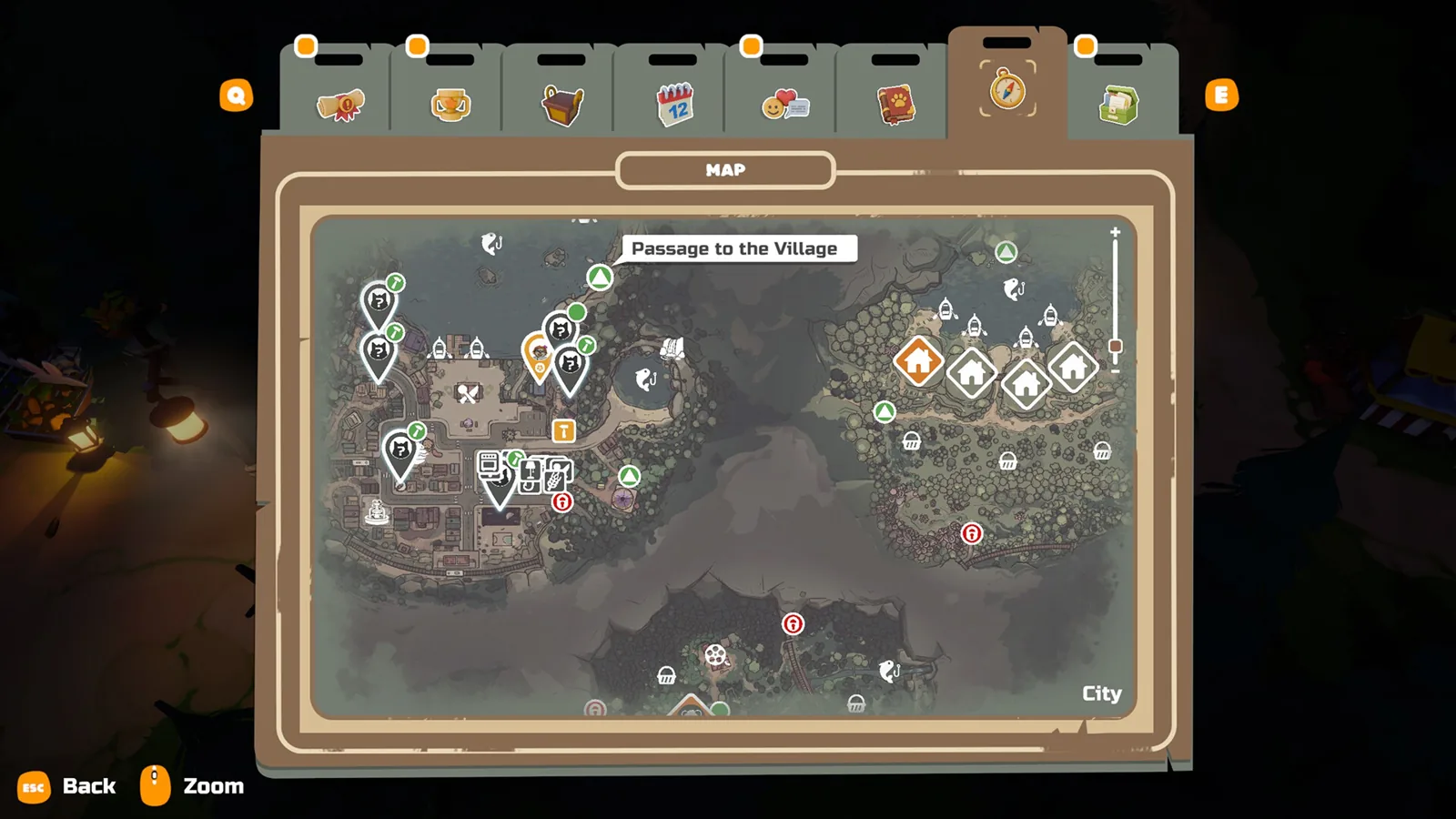
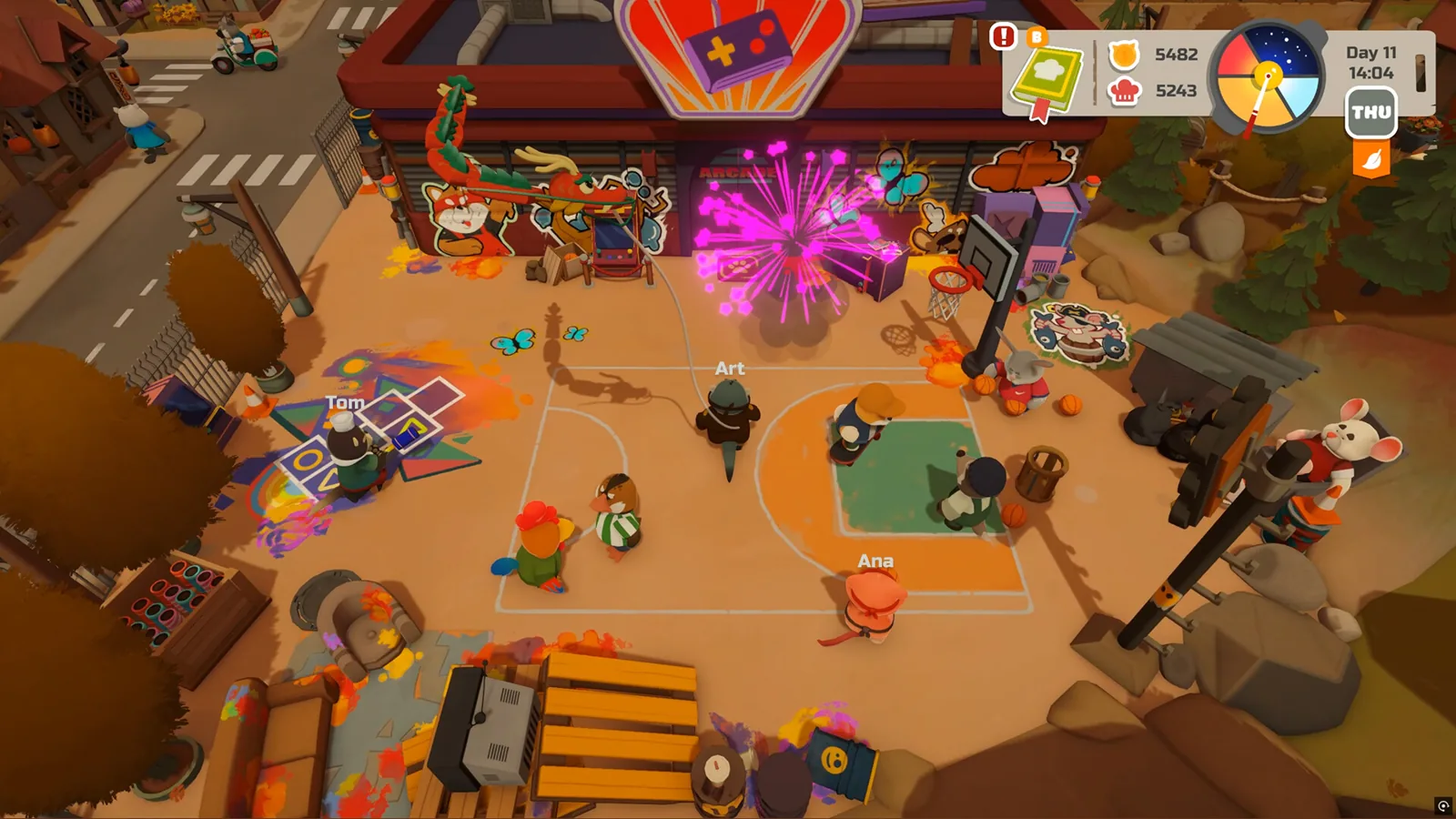
- Walk the town before you commit to work. The store page describes a town with characters, locations, a forest, an arcade and a shoreline. Exploration is the cheapest way to learn where resources are.
- Collect and gather. Gathering in nature is the base loop; the demo patch notes mention fixed controls locking after harvesting crops and improved gathering prompts after quickly switching tools, so if prompts look wrong, switching tools slowly once usually resets them.
- Set up garden beds. Garden-bed interactions were improved in the October 1 patch. Beds are also where co-op item duplication was fixed, so keep sessions updated if you play with others.
- Fish from the shore or a boat. Fishing hints and fishing-spot detection were improved in the October 1 patch, and fishing effects and fish behaviour were touched in the earlier demo patch. If bites feel unreliable, stand closer to a clearly marked spot rather than casting at the edge of detection.
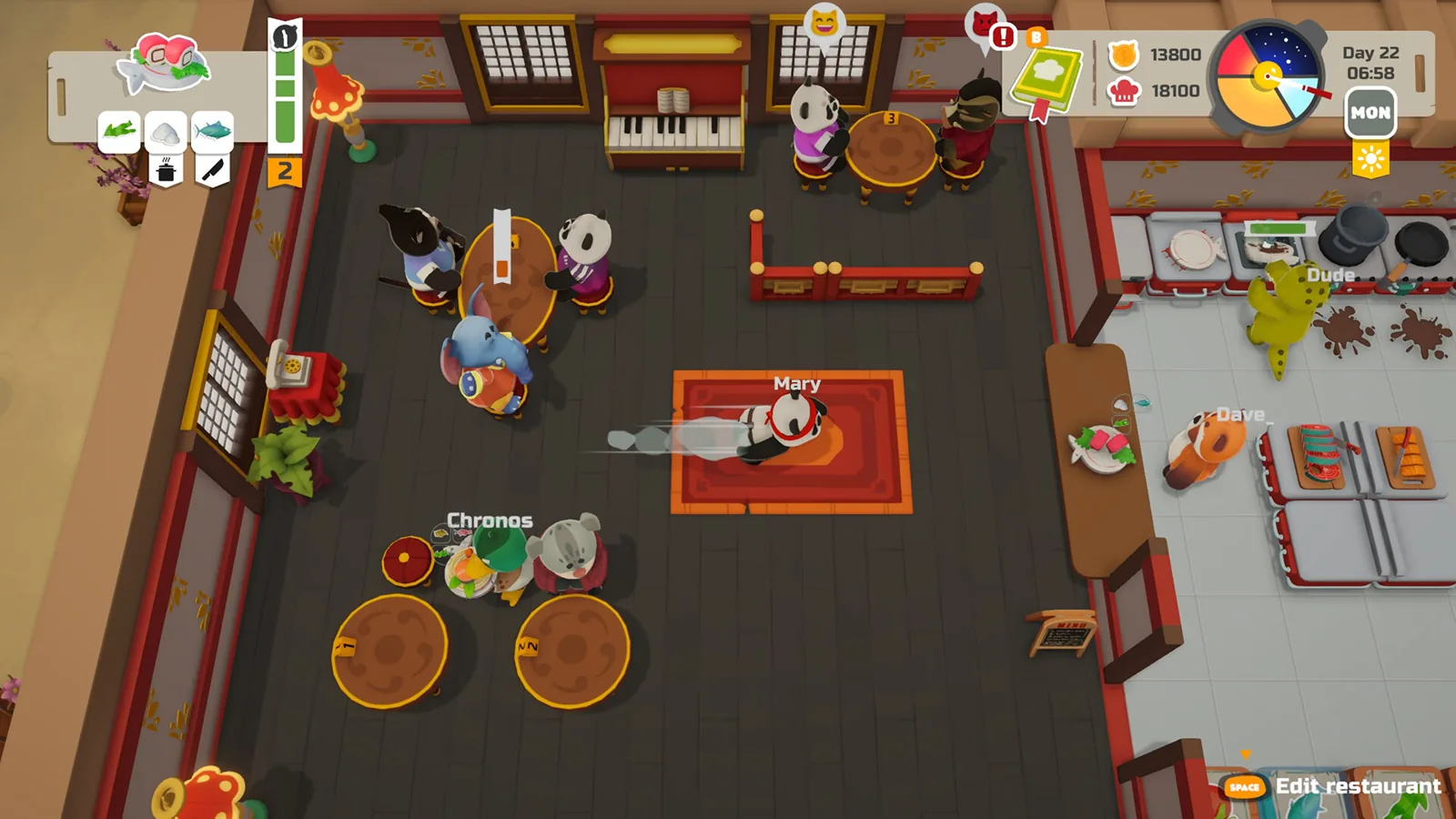
- Open the restaurant. The store page describes installing equipment, building a menu and serving guests. The demo patch notes mention an updated cookbook and daily menu, plus fixed restaurant shift result calculations — so the end-of-shift screen is the intended signal that a shift completed correctly.
- Check the calendar. The demo patch notes describe an updated calendar with a special-day screen. That screen is worth checking before planning a long session.
- Decorate last. The store page frames house, restaurant and garden decoration as an ongoing project, and the October 1 patch fixed saving of home decorations.
| If you want to… | The game points you to |
|---|---|
| Learn the basics | Tutorial hints, including ingredient boxes and sauce dispensers |
| Switch tools faster | Tool wheel with category icons and short-press switching |
| Make money | Restaurant shifts, plus fishing and farming |
| Play with friends | Co-op session, up to three others |
| Plan around events | Calendar and its special-day screen |
Joining a co-op session
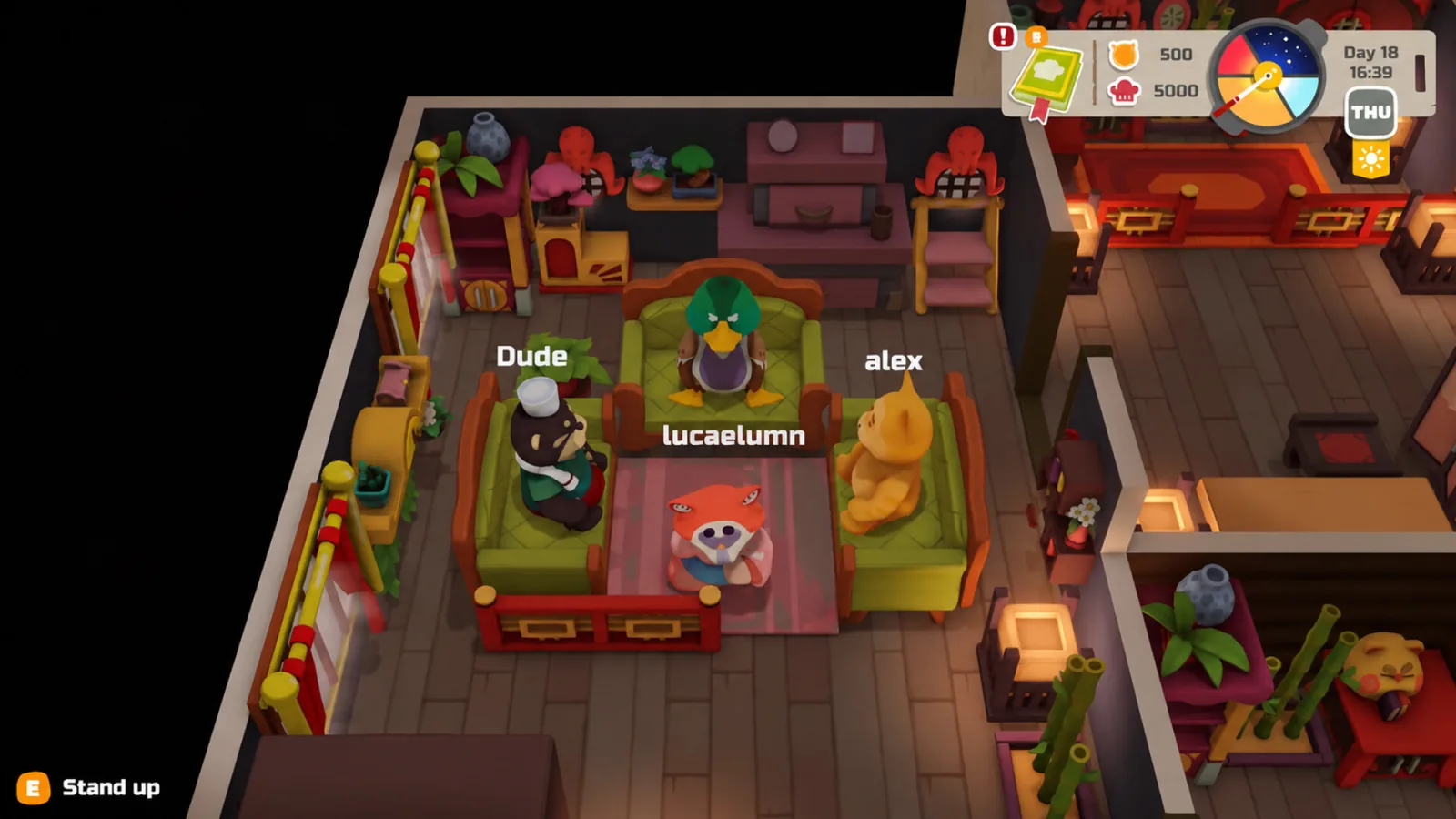
The October 1, 2026 patch notes list fixes for joining private lobbies, world preview when joining a session, network performance and synchronisation, money desyncs on poor connections, and items disappearing when a player leaves during editing. Sleep was moved to server-side logic in the earlier demo patch so players should no longer get stuck in beds. The demo patch also notes that lobby codes can be entered using the Steam keyboard, which matters on Steam Deck and with a controller.
If a join fails, the practical checks are: confirm both players are on the same build, confirm the lobby is not set to private unless you were invited, and retry after a full restart rather than rejoining from a suspended session.
Demo progress and the Early Access version
The September 18, 2026 demo patch notes state that demo saves can be transferred to the full version of the game. That is the strongest reason to start now rather than waiting for October 26. Note that this is the developer's statement about save transfer; the exact transfer flow is not described in the patch notes, so treat any specific menu path you read elsewhere with caution.
Next steps
FAQ
Is there a PAO PAO walkthrough I can follow?
Not a published step-by-step one. As of 2026-10-19, the PAO PAO Steam Community guides hub lists a Walkthroughs category but does not present a specific walkthrough, so the tutorial plus the order of play above is the practical substitute.
Will my demo progress carry over to Early Access?
The developer's September 18, 2026 demo patch notes say demo saves can be transferred to the full version, so you should not have to restart from scratch.
How many people can play PAO PAO together?
The official Steam store page describes solo play or co-op with up to three friends, so four players total.
Does PAO PAO have achievements to hunt?
The store page lists Steam Achievements among the game's features, but as of 2026-10-19 the same page shows no achievement list, so there is nothing concrete to plan a completion run around.
Related Articles
Continue Reading
Starter Guide: First Days in the Demo
A practical PAO PAO starting plan: tutorial, daytime kitchen shifts, fishing, garden beds, quests and four-player co-op, from the pre-release demo.
Beginner Guide: What to Do First
Start PAO PAO with the demo, learn the restaurant-and-farming loop, and set up co-op before the October 26, 2026 Early Access launch.
Boat Controls: What the Demo Shows
Boats in PAO PAO take you to docks and quest islands, but no button-by-button boat control list is published. What the demo and player reports cover.
Activities Guide: Cooking, Fishing and Farming
How PAO PAO's restaurant cooking, fishing, farming, gathering and home decorating fit together, with practical demo tips and co-op notes.
Boat: What Boats Actually Do on the Island
PAO PAO boats appear as a way to fish from the water and as a co-op race activity on the Steam page, but no controls, prices or dock locations are published.
Restaurant: The In-Game Kitchen Explained
In PAO PAO the restaurant is the player-run kitchen you build and staff with friends, plus why real-world restaurants share the name.