
PAO PAO Demo Guide: Saves, Co-op and Contents
What the free PAO PAO demo includes, how demo saves carry into Early Access, co-op limits, and what to try when a friend cannot join.
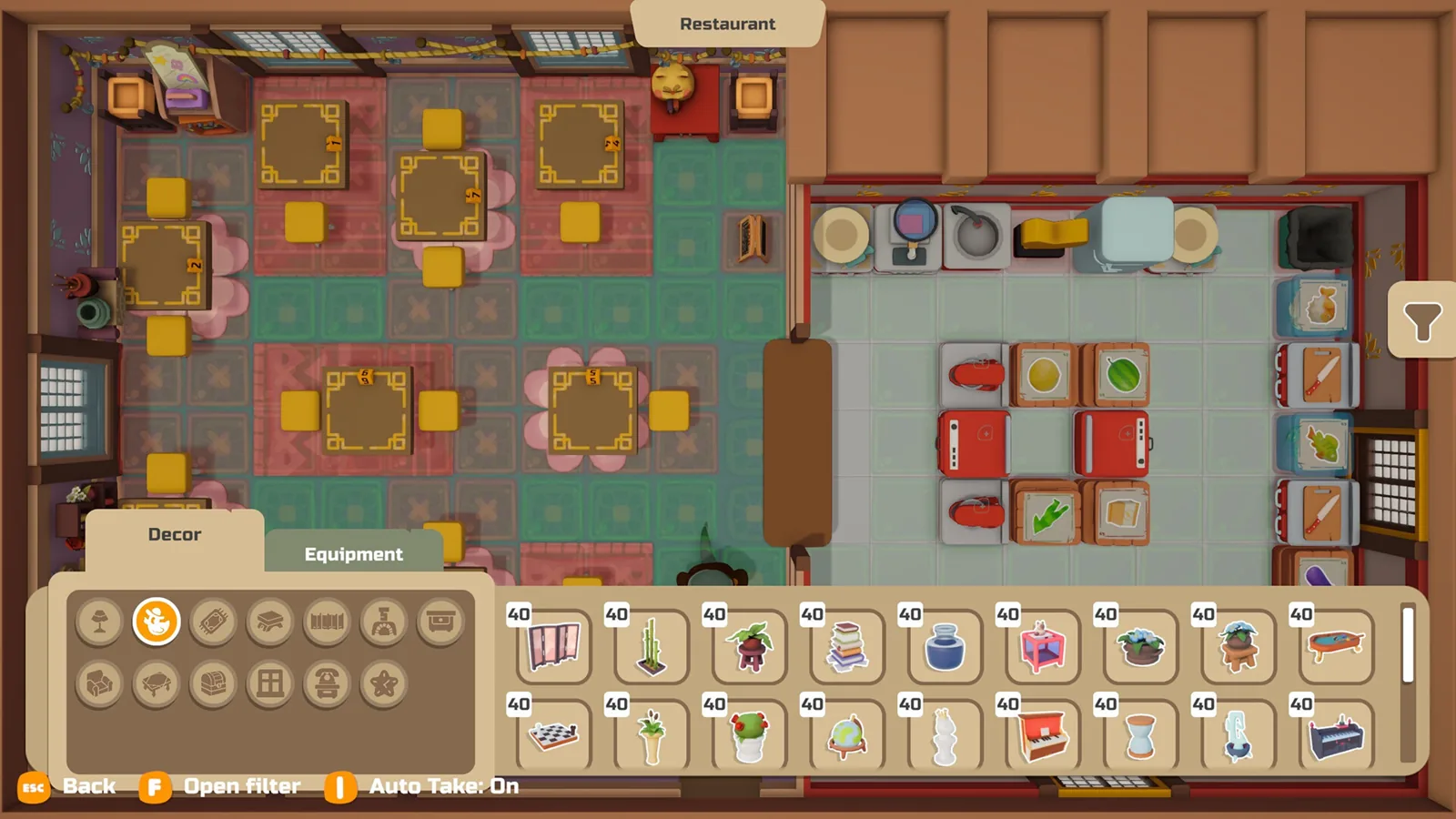
Table of Contents
The PAO PAO demo is a free, standalone taste of ArtDock's seaside restaurant sim, and it is playable on Steam right now, ahead of the Early Access launch on 26 October 2026. If you cannot keep going from your saved demo progress, the reason is usually that the demo's save is built to move forward into the full game rather than to keep expanding inside the demo itself. ArtDock's 18 September 2026 demo patch note added exactly that hand-over, and until Early Access opens on 26 October 2026 there is no full build to load that save into.
Why the demo save stops where it does
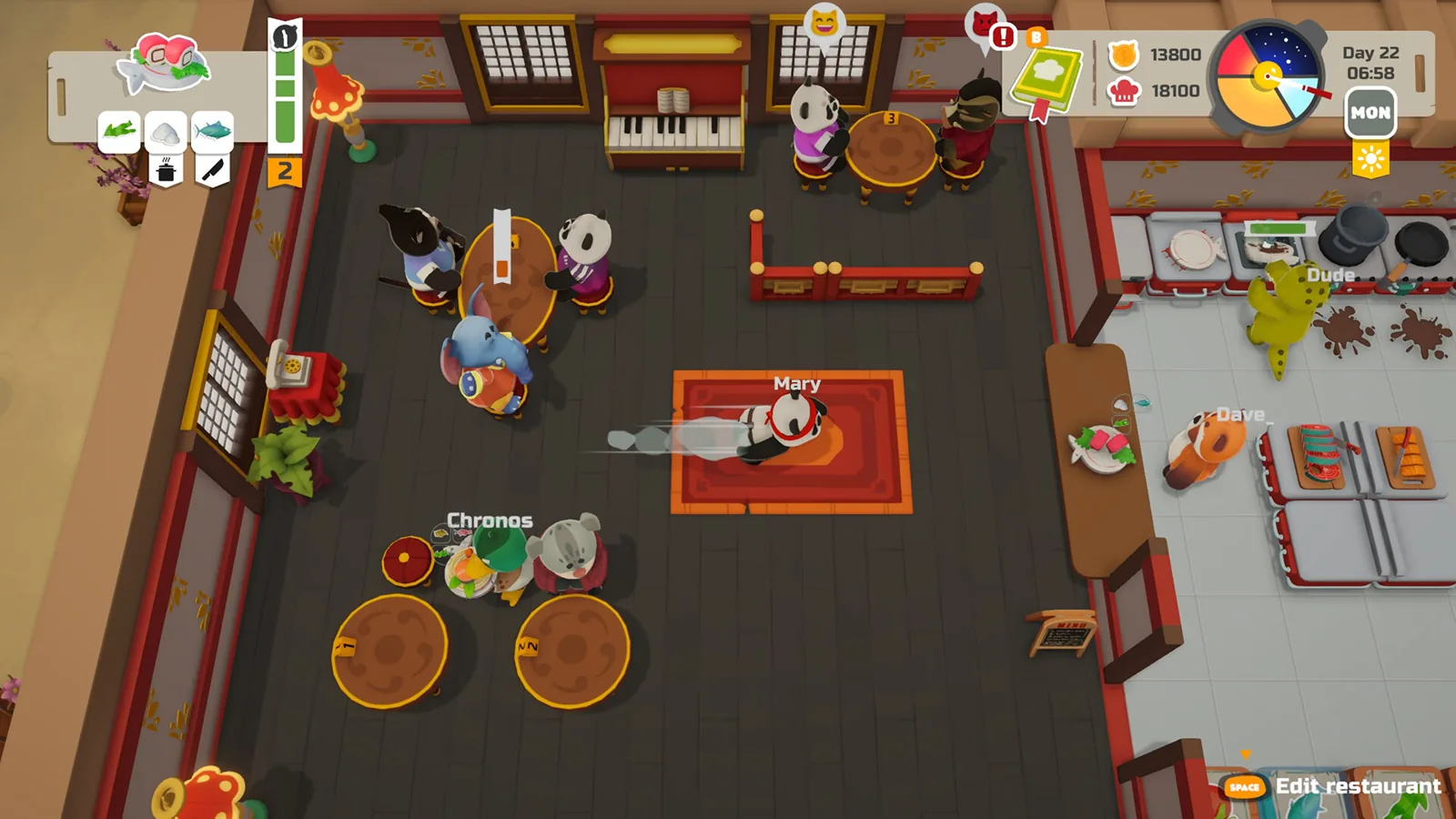
The demo is a slice of town life: a tutorial, a restaurant to run, and a handful of activities around it. The 18 September 2026 patch note says demo saves can now be transferred to the full version of the game, so you will not have to rebuild your restaurant from scratch at launch. That same patch note does not describe any way of continuing a demo save inside the demo itself, and the demo is not presented as a campaign with an ending you push through — the continuation point the developer describes is the Early Access release.
Two practical consequences:
- Do not delete your demo save. If you plan to pick up the full game, that save is the thing the transfer uses.
- Check what you launched. Steam lists the demo as its own free download, separate from the store entry for PAO PAO itself. Opening the wrong one will look like missing progress.
What is in the demo
| Activity | What you can actually do | Where it shows up |
|---|---|---|
| Tutorial and restaurant hand-over | A guided opening, basic supplies, and the key to your new restaurant; villagers to meet afterwards | LadiesGamers' demo impressions |
| Cooking and service | Run the kitchen, cook dishes, serve customers; the restaurant is daytime-only, with the night free for other tasks | LadiesGamers; Steam page |
| Fishing | Shore and beach fishing with a reeling minigame using the stick and a button | LadiesGamers; Steam page |
| Farming | A crop plot beside the restaurant | LadiesGamers; Steam page |
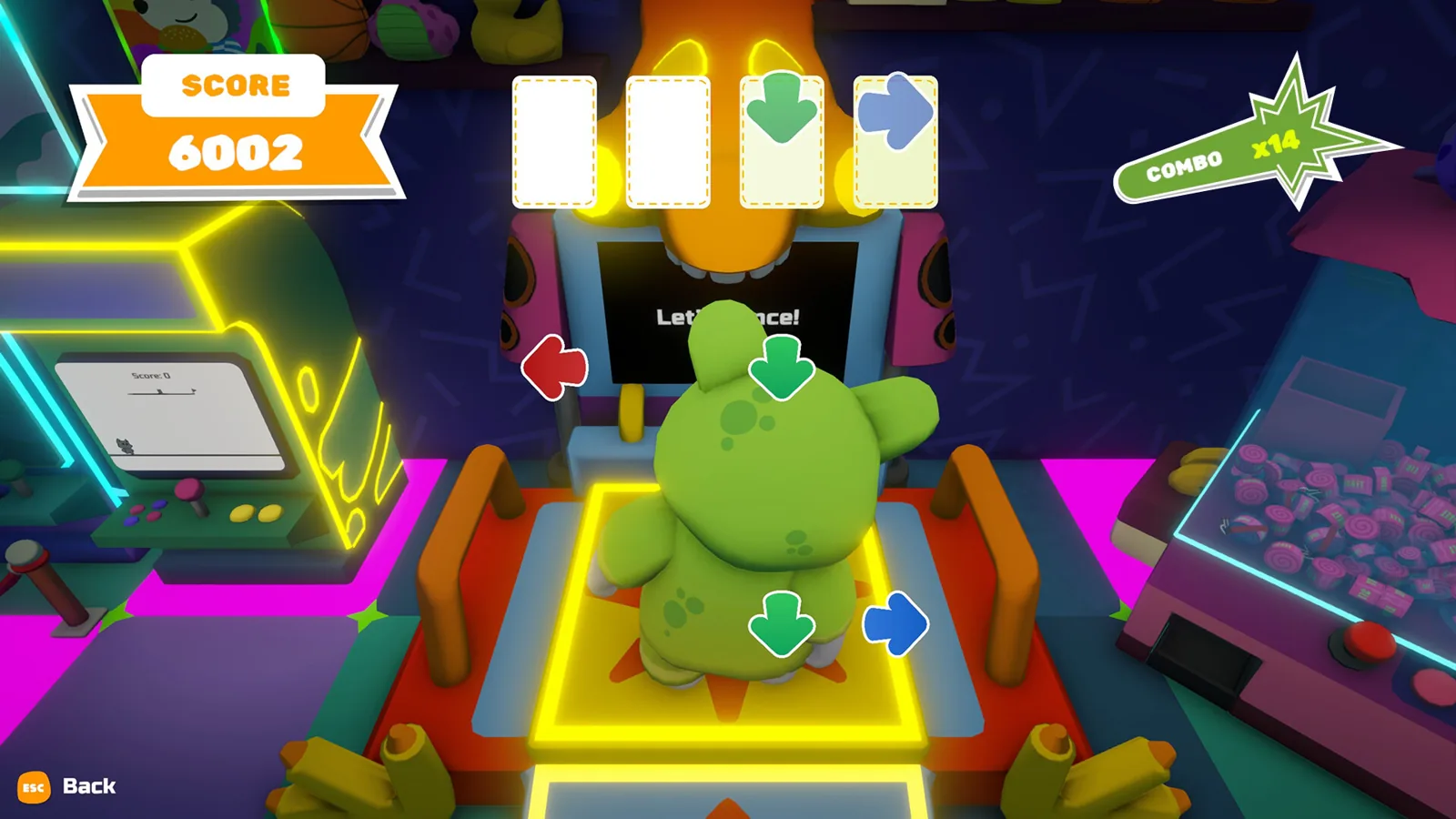
| Town exploration | Library with readable recipe fragments, a scientist's quest, an arcade, a clothing store, and a shop for restaurant supplies and seeds | LadiesGamers |
| Boats and a second island | Docks and boats, with at least one quest pointing to another island | LadiesGamers |
| Co-op | Playable with friends — see below | Steam page; demo patch notes |
The official demo trailer sets up the premise in the same terms: Pao inherits a restaurant, has to keep it running and make friends around town, and the narration leans on cooking together. It is a trailer, so treat it as tone and premise rather than a walkthrough of any specific step.
Getting it, and what it needs
- Open the PAO PAO Steam page.
- Use the Download Pao Pao Demo button on that page — the demo is free and is listed as its own item.
- Install and launch the demo, then work through the tutorial before wandering; LadiesGamers notes the opening tutorial is fairly comprehensive and worth following.
The Steam listing checked on 2026-10-19 names Windows only, and the demo shares the game's modest requirements:
| Minimum | Recommended | |
|---|---|---|
| OS | Windows 10/11 x64 | Windows 10/11 x64 |
| CPU | Intel Core i3-10100 | Intel Core i5-12400 |
| RAM | 4 GB | 8 GB |
| GPU | NVIDIA GeForce GTX 1050 | NVIDIA GeForce RTX 3060 |
| DirectX | 11 | 11 |
| Storage | 2 GB free | 2 GB free |
The Steam page also recommends a controller, and the demo patch notes mention controller and Steam Deck improvements, so a gamepad is a reasonable default.
Co-op in the demo
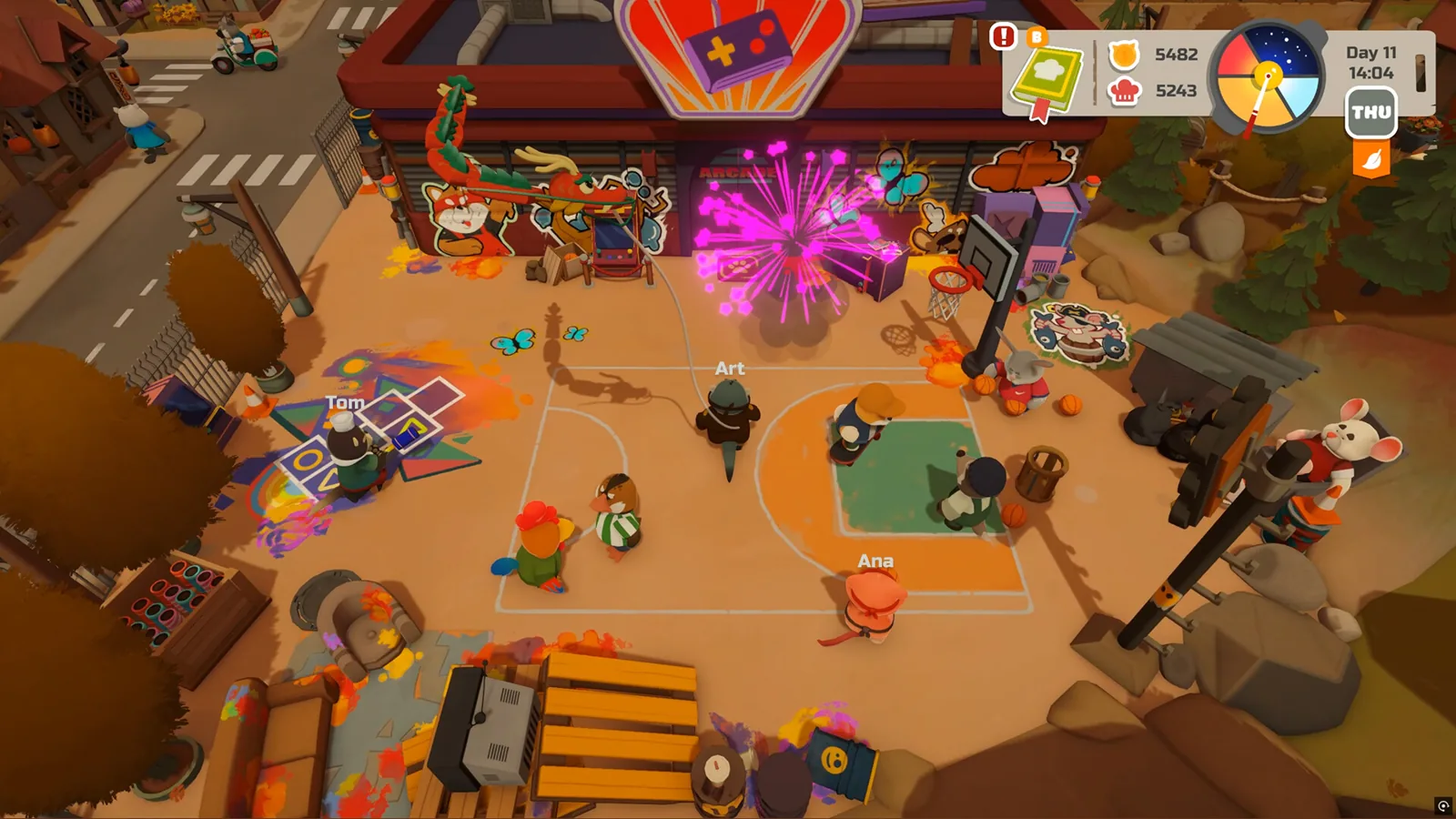
The Steam page describes solo play or co-op with up to three friends — four players in total — and the demo's own patch notes are full of multiplayer fixes, which tells you co-op is genuinely running in the demo build rather than being a launch-only feature. The 18 September 2026 demo note lists faster session joining and world loading, more stable ping, fixes for endless loading screens on join, and fixes for black screens and crashes when a host or another player leaves. The 1 October 2026 patch announcement continues in the same direction: private-lobby joining, world preview when joining, network sync, money desyncs on poor connections, and items vanishing when a player leaves mid-edit.
If a friend cannot connect:
- Confirm both of you are on the same demo build — updating the demo in Steam and restarting the client is the standard first move. Community write-ups, including the Fun Guys Swarm demo guide, describe a "version mismatch" message as a sign of differing builds; ArtDock's demo patch notes from 18 September and 1 October 2026 do not mention that message by name, so treat the explanation as community experience.
- If joining hangs, the documented fixes above target exactly that failure, so a full restart of both clients is worth trying before anything else.
- Voice chat settings were added in the October patch, so if you hear nothing, check audio options before assuming the session is broken.
First-session pointers
A community guide on Fun Guys Swarm suggests front-loading the kitchen, slipping fishing trips into gaps while food cooks, sowing crops early so they mature while you do other chores, and bringing a friend because the co-op cooking is the draw. Those are that site's tips rather than developer instructions, but they line up with what the demo actually contains — the restaurant is the centre of the loop, the water is a short walk away, and the crop plot sits next to the restaurant.
Two smaller habits that make the demo smoother, from LadiesGamers' playthrough: the journal keeps inventory, quests and collections together and includes a "guidance" section you can re-read if a mechanic slips, and your current quest sits in the top-right corner of the screen. Be aware that some quests are timed and brisk — that reviewer found one too fast for comfort and was unsure whether it could be skipped.
Demo versus Early Access
| Demo | Early Access from 26 October 2026 | |
|---|---|---|
| Price | Free | Paid; the Steam page had no price listed on 2026-10-19 |
| Scope | Tutorial, restaurant, town slice, fishing, farming, co-op | Same core loop plus planned expansion of town, characters, customization and activities |
| Saves | Transfer into the full version per the 18 September 2026 patch note | Receives transferred demo saves |
| Cooking depth | A working slice of the cooking system | ArtDock's Early Access notes say cooking, customer service, fishing and gardening will get more depth |
| Length of the phase | Not stated by ArtDock | Estimated at roughly 6 to 12 months in Early Access, per the Steam page |
The developer's Early Access description is explicit that the recipe book and systems will grow, so do not expect demo recipes to be the final list. ArtDock's Steam announcements as of 2026-10-19 do not state a demo playtime; players generally describe it as an evening or two of town life rather than a full campaign.
Next steps
FAQ
Why can't I continue playing from the saved progress of the demo?
Because the demo save is designed to continue into the full game, not to keep running inside the demo. The 18 September 2026 demo patch note added demo-to-full-version save transfer, and Early Access does not open until 26 October 2026, so there is nothing to carry the save into before then. Keep the save and launch the full game when it unlocks.
Is the PAO PAO demo free, and where do I find it?
Yes. The PAO PAO demo is a free download from the official Steam page, where it appears under its own "Download Pao Pao Demo" button rather than as a purchase.
Does the demo support co-op with friends?
It does. The Steam page describes solo play or co-op with up to three friends, and the demo patch notes list session-joining, sync and host-disconnect fixes, which only matter if multiplayer is live in the demo build.
How long is the demo?
ArtDock has not published a demo length in the Steam announcements available as of 2026-10-19. LadiesGamers describes the demo map as a good-sized area with several neighbourhoods and notes it will grow in the finished game, so plan on a short visit rather than a completed story.
Related Articles
Continue Reading
Activities Guide: Cooking, Fishing and Farming
How PAO PAO's restaurant cooking, fishing, farming, gathering and home decorating fit together, with practical demo tips and co-op notes.
Starter Guide: First Days in the Demo
A practical PAO PAO starting plan: tutorial, daytime kitchen shifts, fishing, garden beds, quests and four-player co-op, from the pre-release demo.
Beginner Guide: What to Do First
Start PAO PAO with the demo, learn the restaurant-and-farming loop, and set up co-op before the October 26, 2026 Early Access launch.
Boat Controls: What the Demo Shows
Boats in PAO PAO take you to docks and quest islands, but no button-by-button boat control list is published. What the demo and player reports cover.
Cooking Guide: Demo Kitchen Basics
A practical PAO PAO cooking guide for the demo: set up your kitchen, prep orders, restock ingredients, and keep service moving.
save game: Cloud and Demo Transfers
What the PAO PAO Steam page and developer patch notes say about save games: Steam Cloud, demo-to-full saves, and what is not documented yet.